
How it works
How Boast works
Boast simplifies video testimonials, online reviews and customer feedback with 3 easy steps. Create a form, ask your customers, then manage and share the praise.
Free for 14 days · No credit card · Set up in minutes
The plan
Three steps from “would you mind?” to published proof
- 1
Ask
Pick one of 18 proven templates, then send the request by email or SMS, share a link, or embed the form on your site. Boast follows up so you don't have to.
See how requests work - 2
Record
Customers tap the link and record from any phone or laptop. No app, no login. Guided prompts tell them what to talk about, so nobody freezes on camera.
Meet Guided Prompts - 3
Share
Approve with one click. Captions are burned in automatically and the testimonial appears on your website, social channels and ads.
Explore display widgets
Step 1
Create a form
Forms are the foundation for collecting customer feedback with Boast. Get started by selecting a pre-built form template or creating a form from scratch, then customize your questions and branding to fit your business.
Add video and photo fields with guided prompts, and share the form as a hosted landing page or embed it on your own site.
- 18 proven templates or a blank drag-and-drop canvas
- Video, photo, rating and text fields
- Your logo, colors and questions

Step 2
Ask your customers
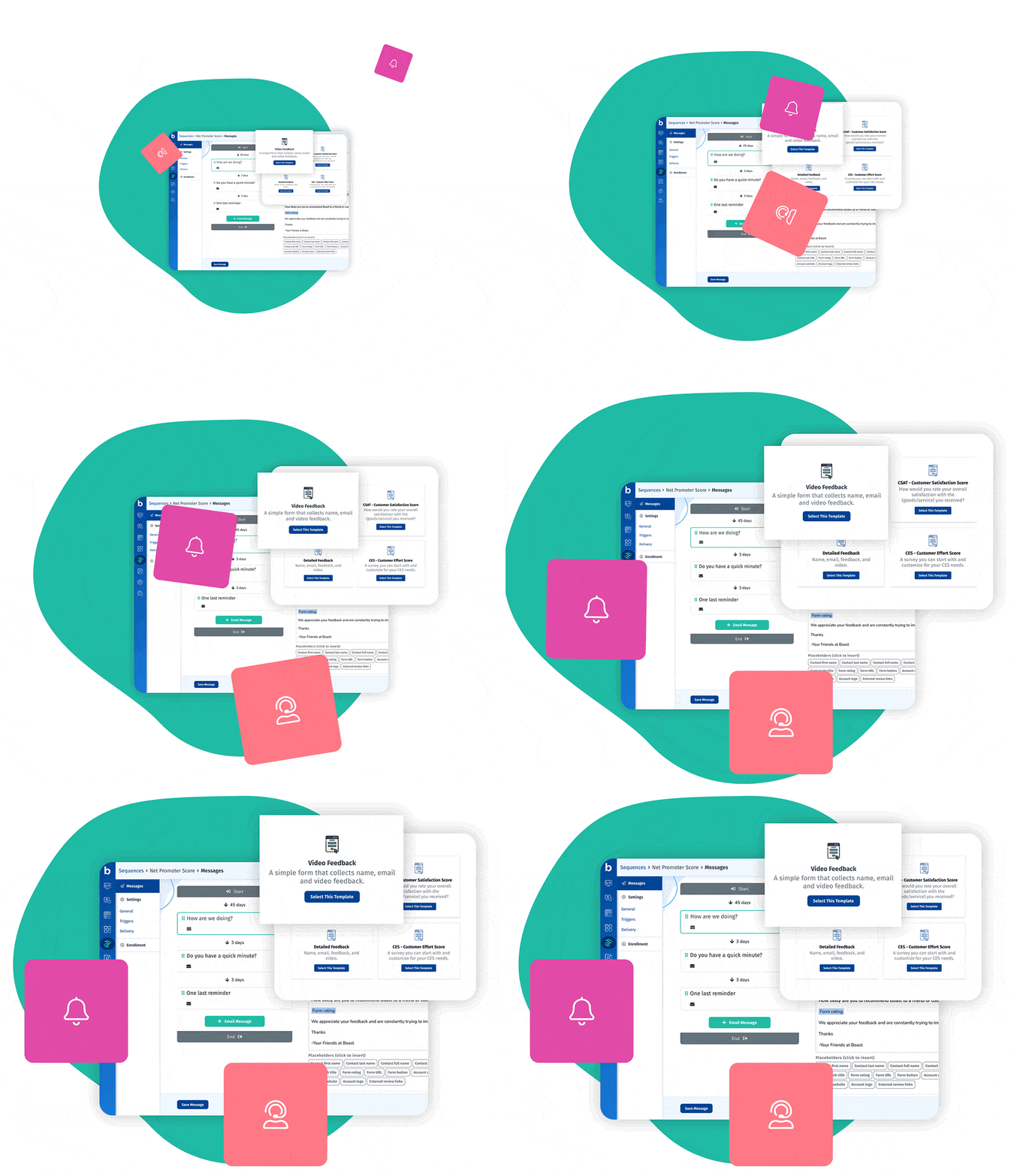
- Email and SMS requests with automatic reminders
- Enroll contacts manually, on a schedule, or through Zapier
- Track who responded and who needs a nudge
More features
More ways to collect and share customer feedback
Drag-and-drop form editor
Build any form without a developer.
NPS®, CSAT, CES and 5-star survey templates
Proven survey formats, ready to send.
User-friendly video capture
Customers record in the browser on any device.
Email and SMS requests and reminders
Ask at the right moment and follow up automatically.
Mobile-friendly forms and display widgets
Everything works on the phone in your customer's pocket.
Manage multiple business locations
Organize forms, reviews and widgets by location.
Manage multiple staff members
Tag feedback by team member and report on it.
Hosted landing pages and embeddable forms
Share a link or embed the form on your own site.
Ways businesses put customer feedback to work
FAQ