
Can I conditionally show form fields based on how someone rated me?
When editing a field, under “Field Visibility” select “By Sentiment”. You can then choose to show the field to any combination of Promoters, Passives, Detractors, or Not Rated.
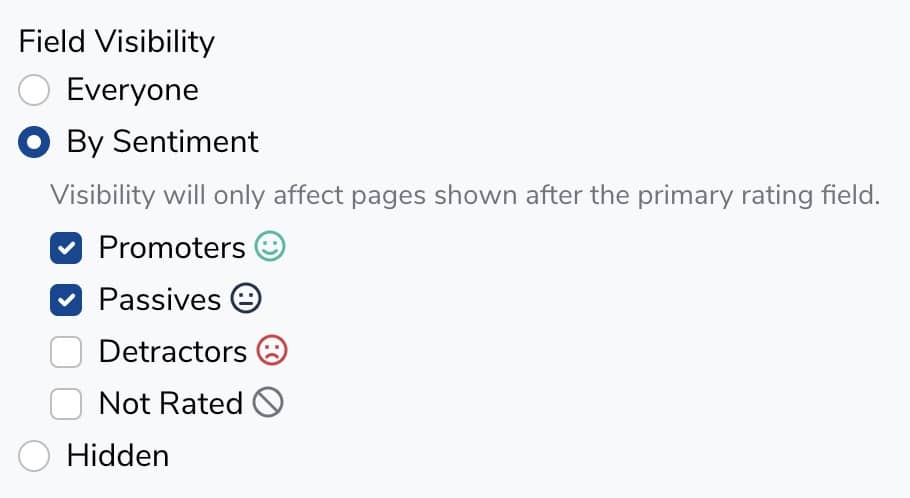
Note that field visibility will only affect fields on pages after the page with the rating field.
Example
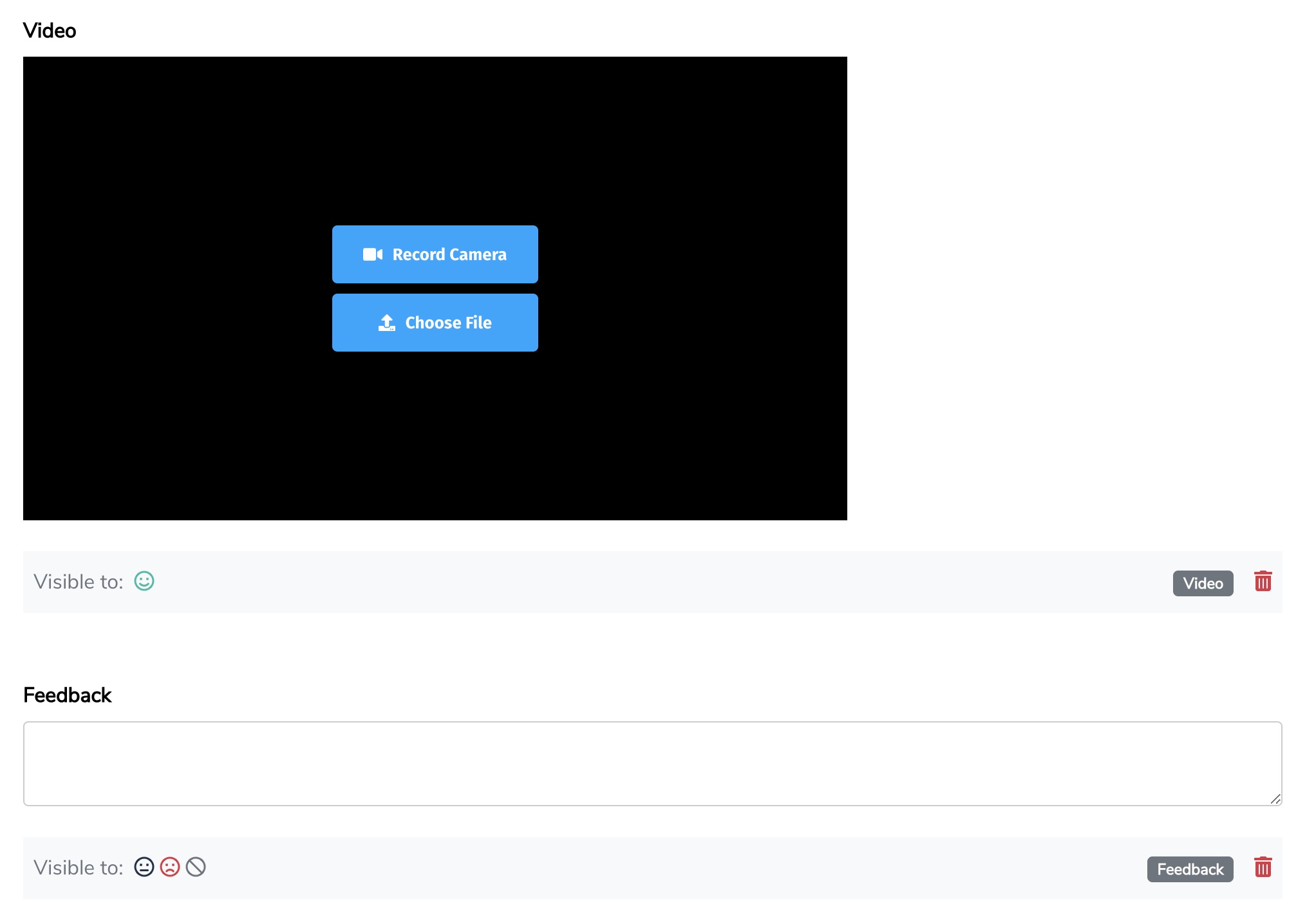
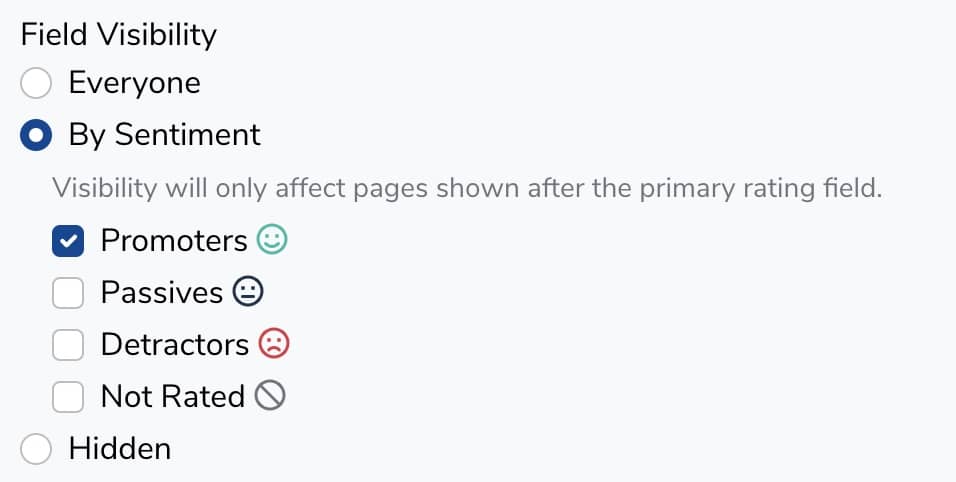
Let's say you have a form with two pages. On the first page, you collect a rating as well as some other basic information. On the second page, you'd like to ask for a video testimonial from promotors (people who gave you a high rating) and provide a text field for feedback from passives and detractors (indifferent and unhappy customers).
The fields on your second page would look like this:
Video visibility:
Feedback visibility:
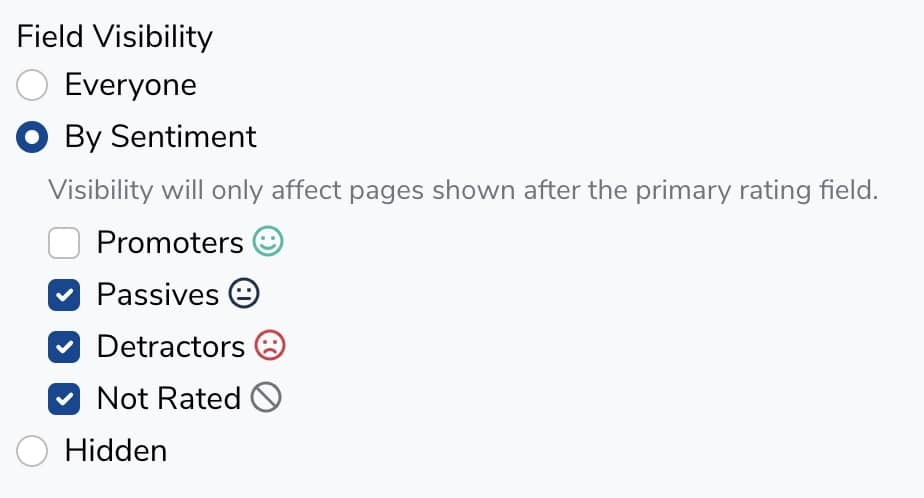
Note that Not Rated is also checked. If your rating field is not required, you'll want to make sure that an option exists for people who do not give a rating.
Still need help? Our support team answers by phone, email and chat, 9am–5pm EST.
Contact support