
Can I download my response photos and videos?
Download All Responses
- Navigate to the Responses tab.
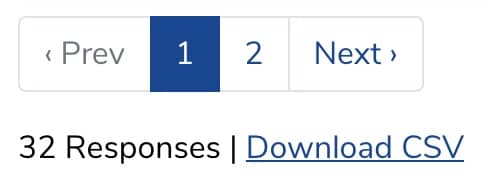
- Scroll to the bottom of the page and click Download CSV. A .csv file of all responses will be downloaded to your computer.
Download a Single Photo or Video
- Navigate to Responses and View or Edit the desired response.
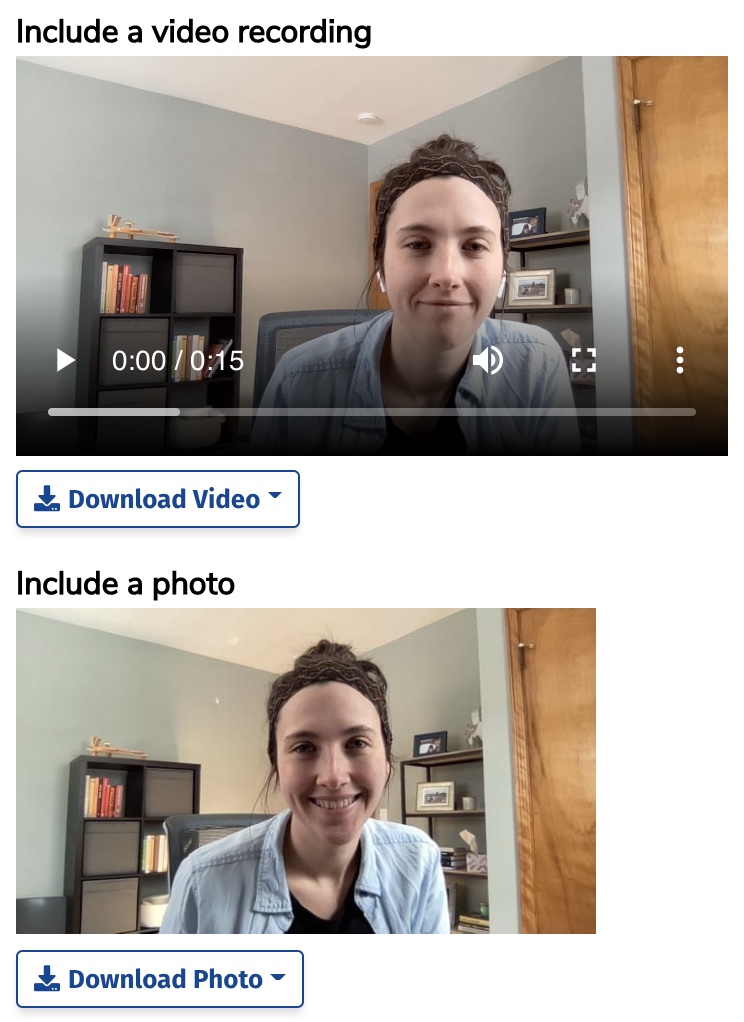
- Find the video or photo field and click on the Download Video / Download Photo button.
- Select your desired format / quality and save the file to your computer.
Still need help? Our support team answers by phone, email and chat, 9am–5pm EST.
Contact support