
Customize Form Landing Page Headers, Footers and More
When editing a form, go to Settings > Landing Page.
There are several customizations available.
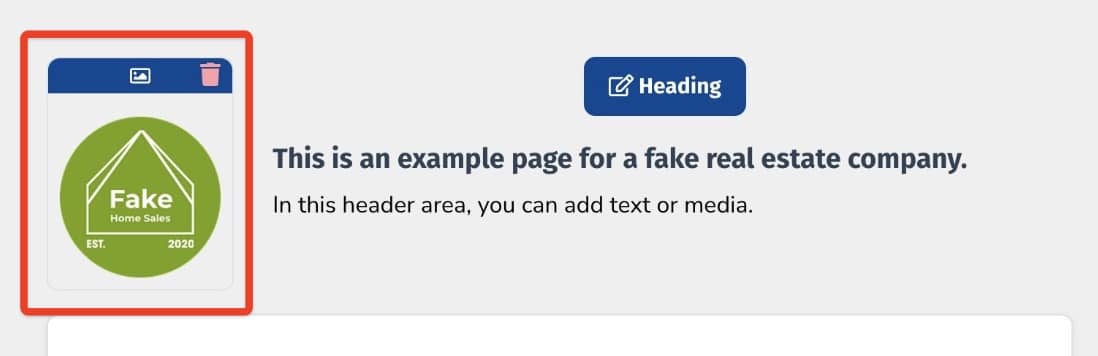
Logo
Add a logo in the top left corner
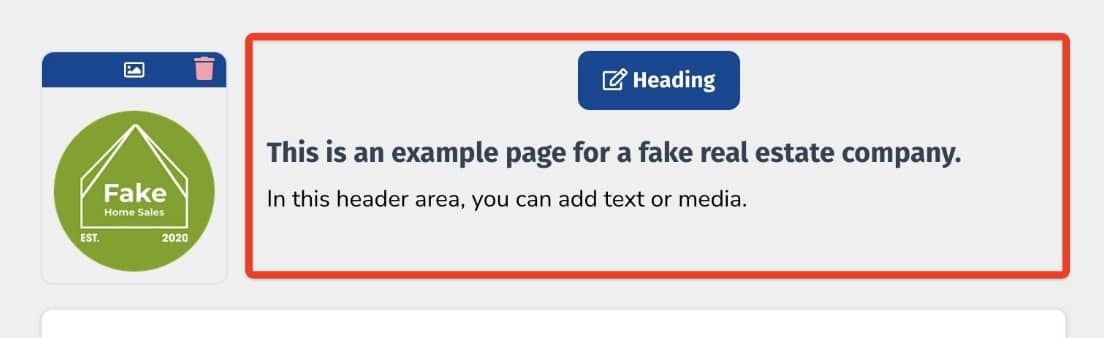
Page Heading
Add content to be shown to the right of your logo
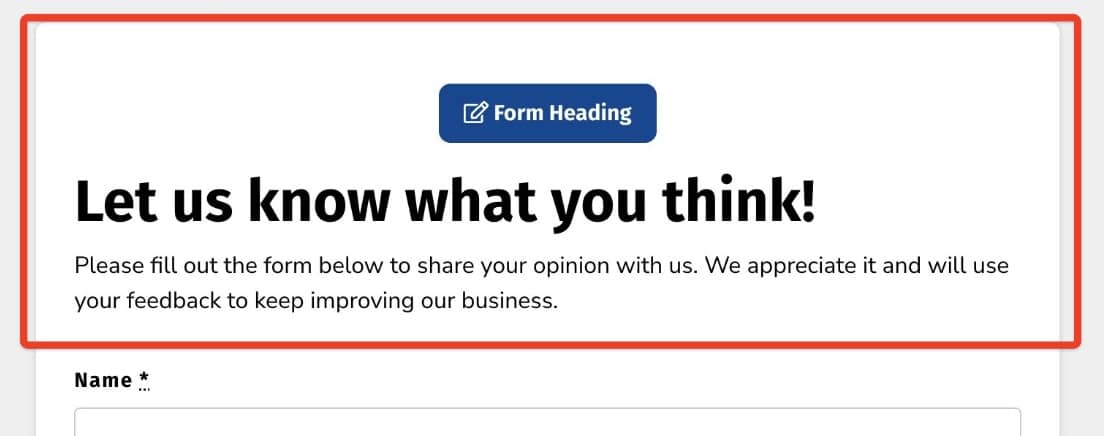
Form Heading
Content to be shown above your form fields
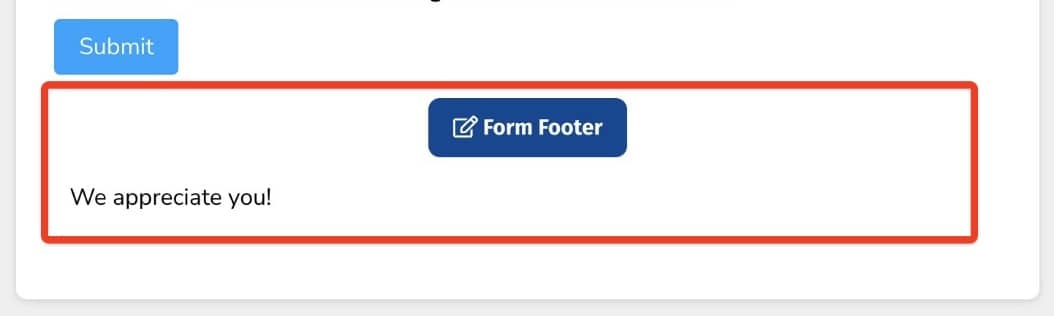
Form Footer
Content to be shown below your form fields
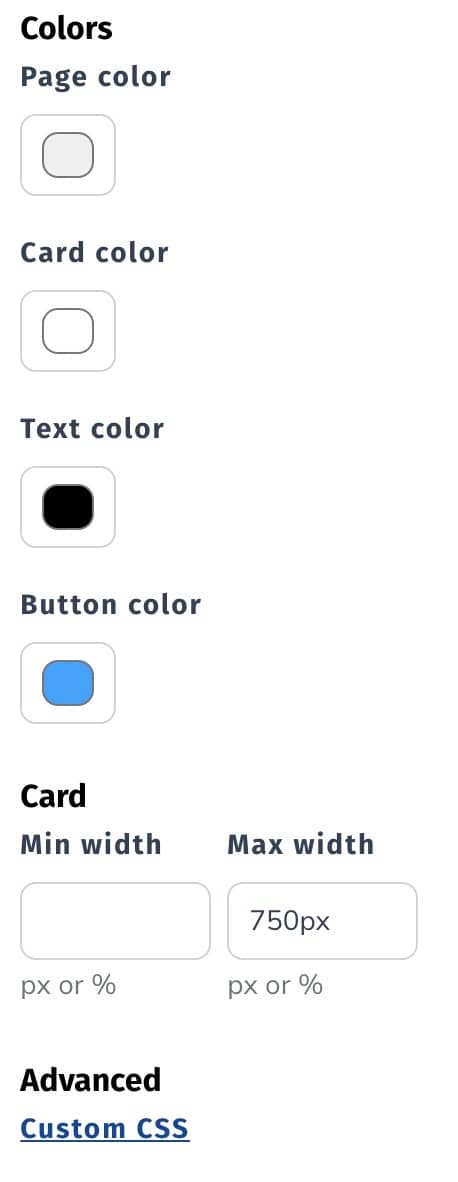
Customize Styling
Edit colors, width, and alignment
Still need help? Our support team answers by phone, email and chat, 9am–5pm EST.
Contact support