
How to create a Boast landing page
Log into Boast and go to Forms
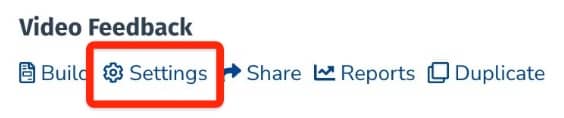
Locate the correct form and click Settings
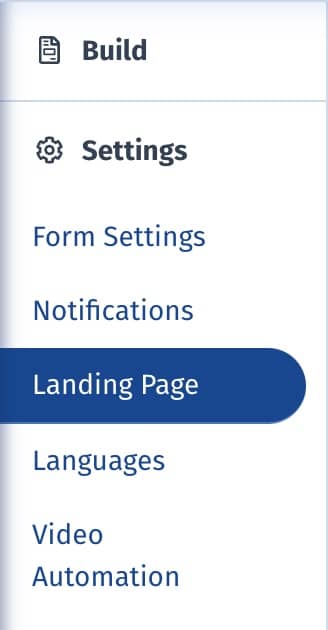
Select Landing Page from the lefthand sidebar
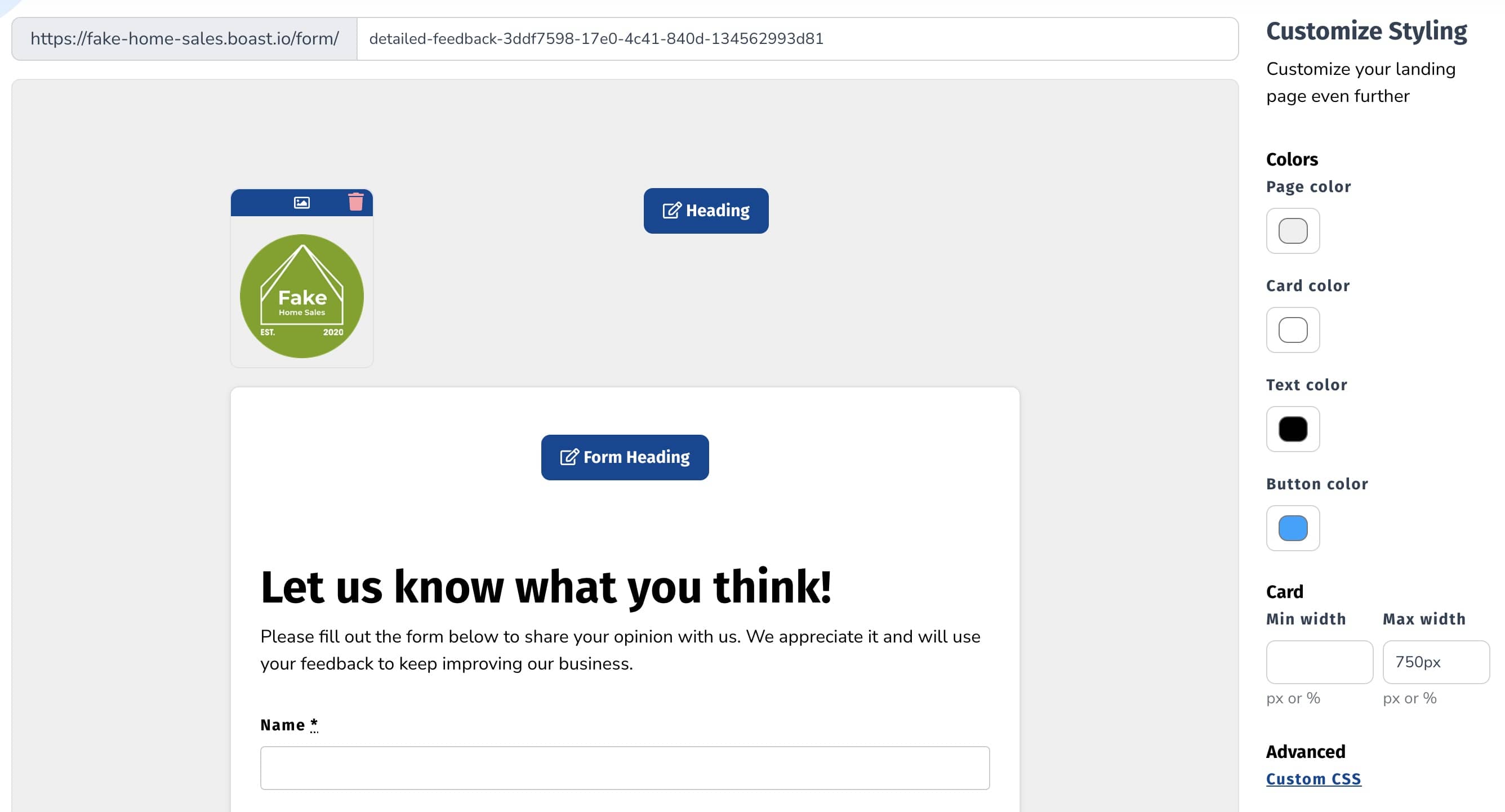
Update your form colors and header/footers as desired.
Save your changes
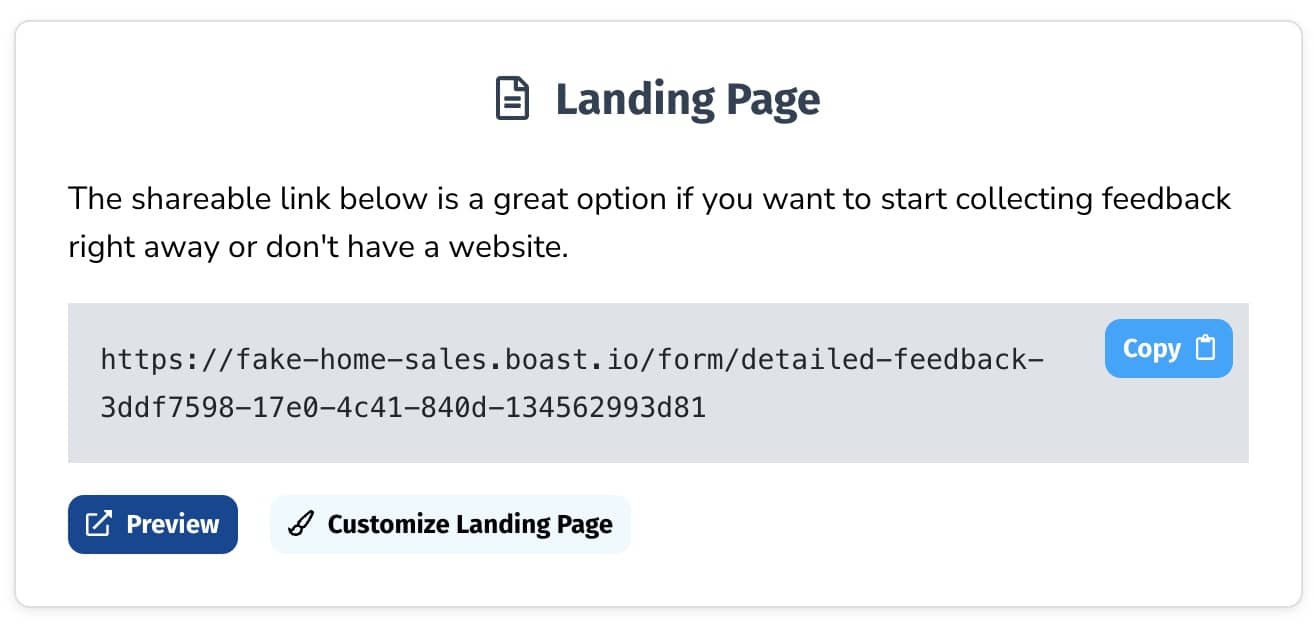
Share your landing page by going to the Share screen and copying the landing page URL

Still need help? Our support team answers by phone, email and chat, 9am–5pm EST.
Contact support