
How can I embed an instruction video on my form?
- Go to Forms, find the form you wish to edit, and click Design.
- From the righthand side of the page, click and drag a Text Block onto your form.
- Click the field to edit it.
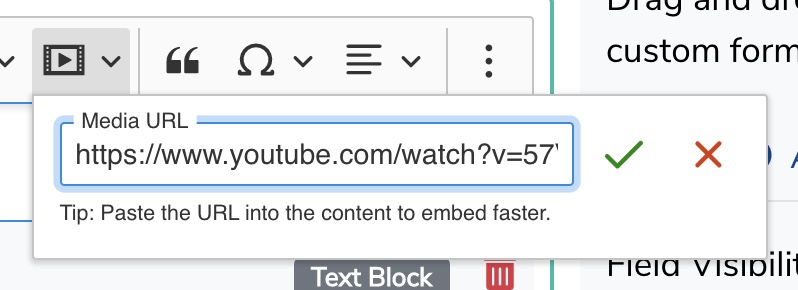
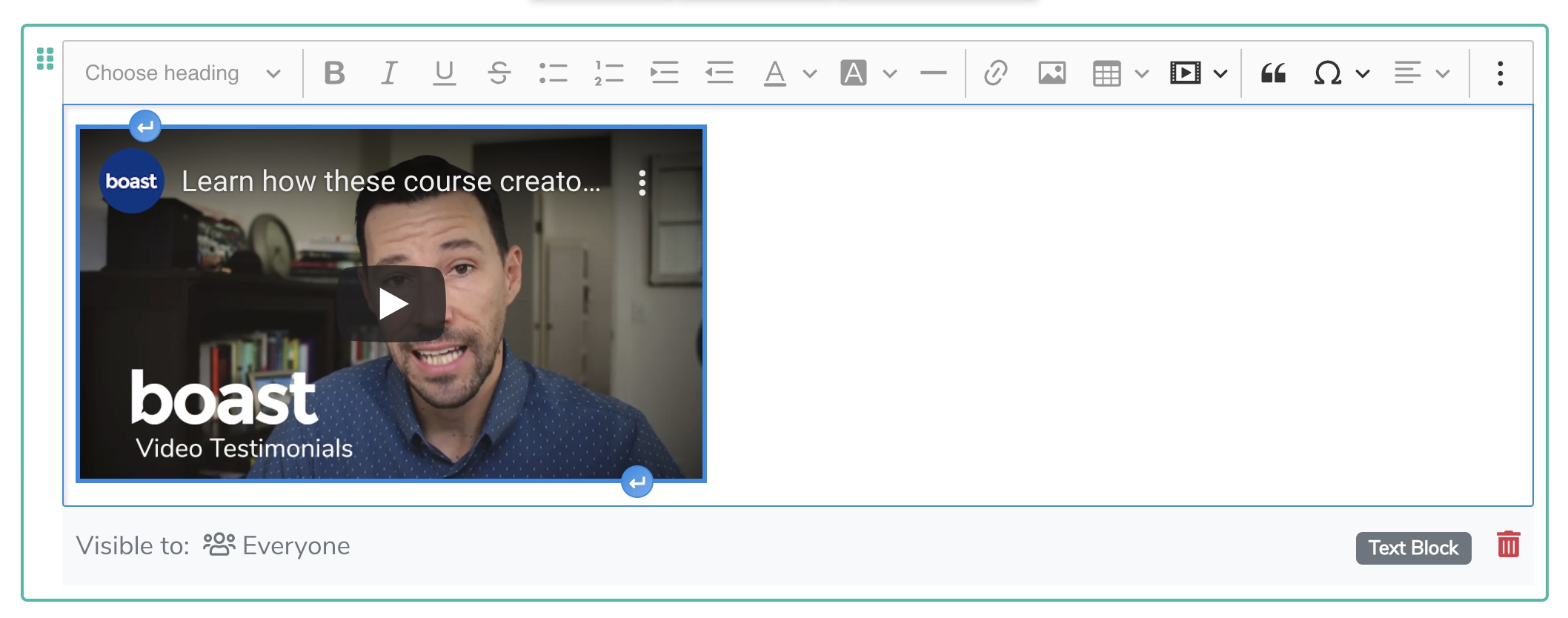
- Click on the Insert Media button and paste in your video URL.
- Click the green checkmark.
- Don't forget to save your form!

Still need help? Our support team answers by phone, email and chat, 9am–5pm EST.
Contact support