
How can I embed widgets on my website? 🎥
Here’s how:
- Select Widgets from your Boast dashboard
- Click Share on an existing widget or create a new widget.
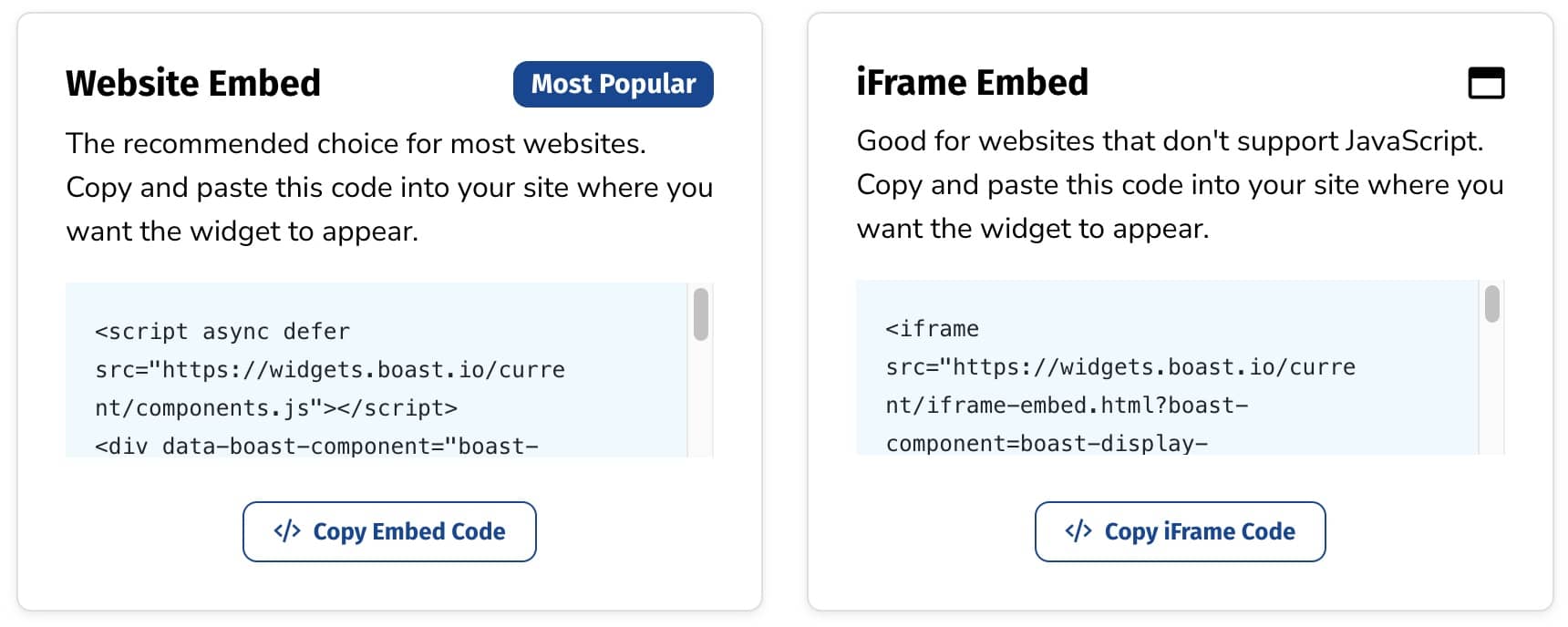
- Copy the Website Embed (recommended) or iFrame Embed code and paste it into your site wherever you want your responses to appear.

Need help adding the embed code to your website?
Specific instructions for certain website platforms are linked below.
Don't see your website builder? Feel free to reach out to us and we will be able to assist.
No website? No problem!
We offer a Boast-hosted landing page for each of your widgets. Just select the "Direct Link / Hosted Page URL" option to get your shareable link,
Still need help? Our support team answers by phone, email and chat, 9am–5pm EST.
Contact support