
How can I share a single response?
- In your Boast account, go to Responses.
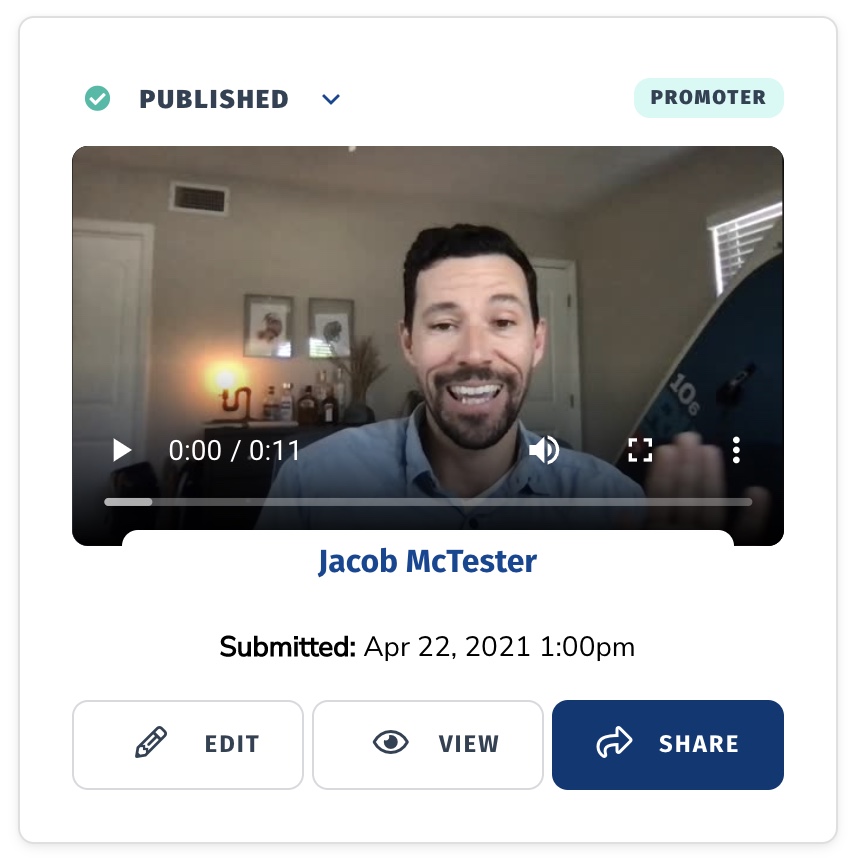
- Find the response you'd like to share and click Share. Note that the response must have a status of Published or Unlisted in order to share it.
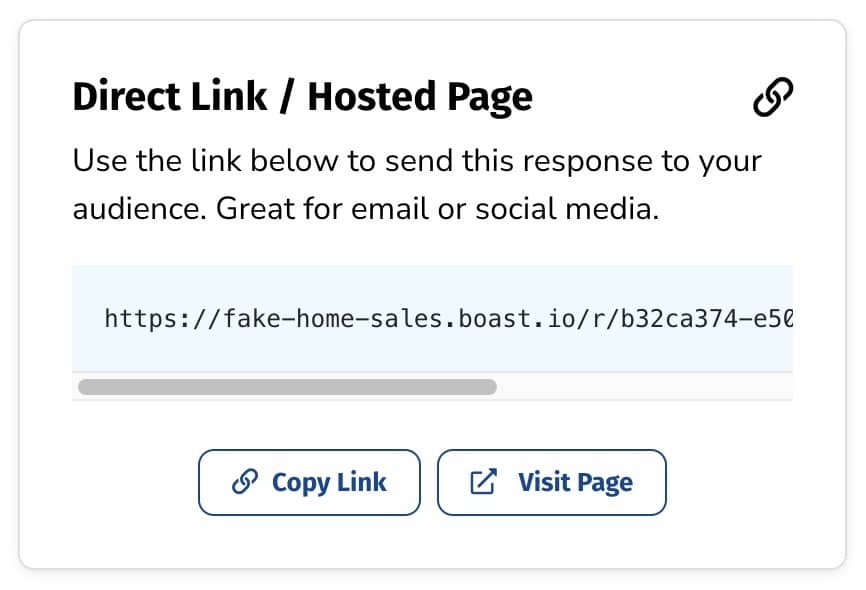
- Copy the Direct Link and share away!
Still need help? Our support team answers by phone, email and chat, 9am–5pm EST.
Contact support