
How do I change the colors on my form?
If you’re embedding a form on your website using the JavaScript embed code (recommended), the form will automatically take on the styles of your website. If you need to make adjustments, you can target the form elements using CSS just like the rest of your website.
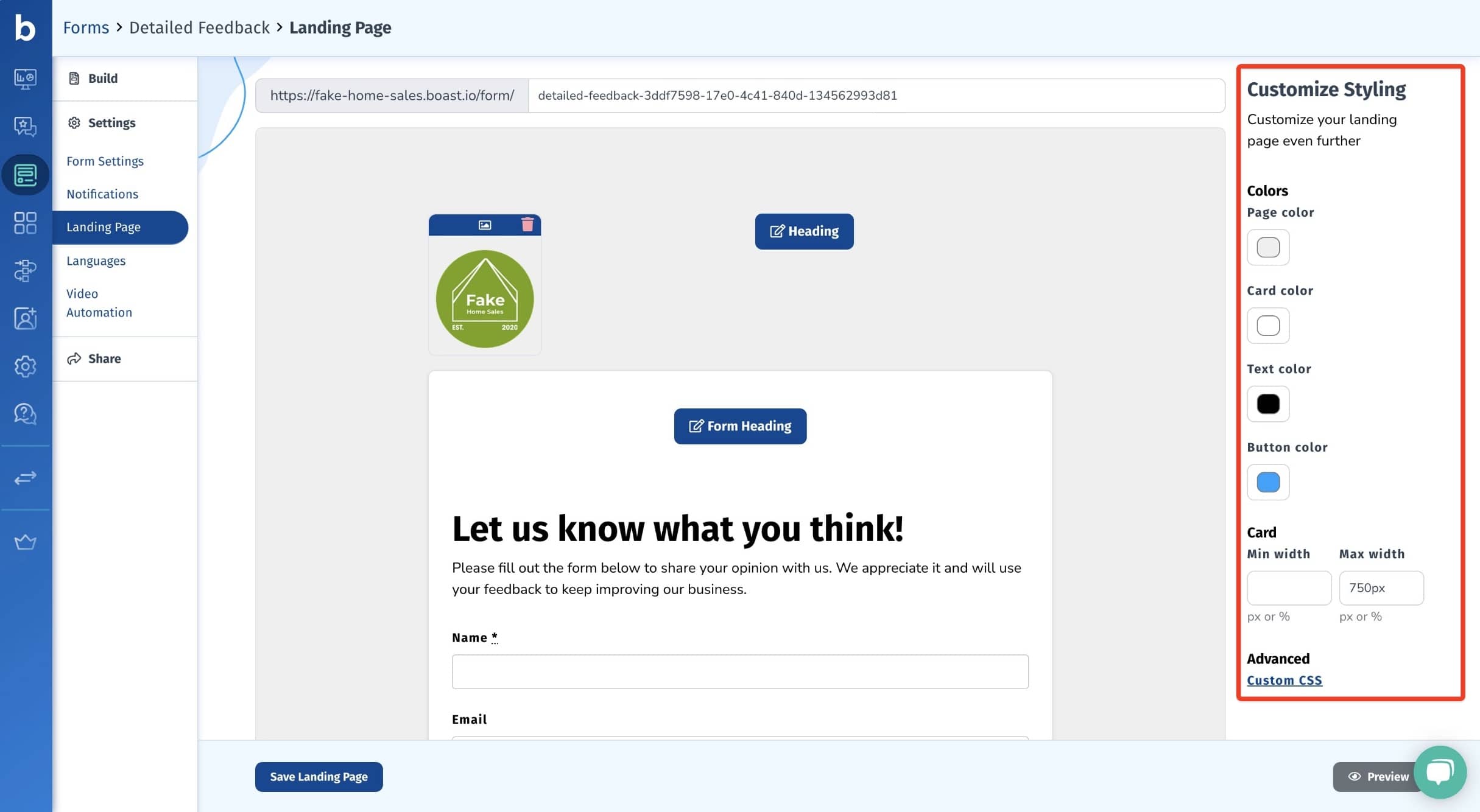
If you are using a Boat landing page, you can change the page, card, text, and button colors. These options are on the right hand side of the page when you edit your landing page (Forms > select your form > Settings > Landing Page).
Still need help? Our support team answers by phone, email and chat, 9am–5pm EST.
Contact support