
How do I change the sequence email "from" name?
- Go to the Sequences page
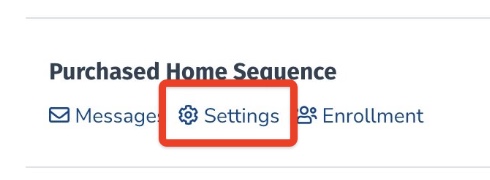
- Find the sequence you want to edit and click Settings
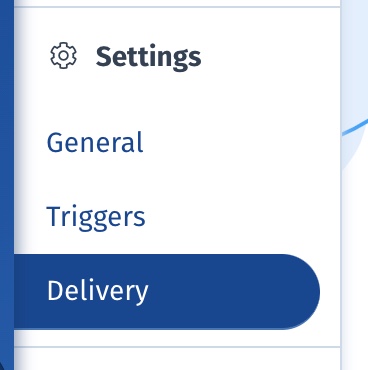
- In the left sidebar, click on Delivery
- Enter in your desired send-from name
- Click Save Delivery Settings

Still need help? Our support team answers by phone, email and chat, 9am–5pm EST.
Contact support