
How do I delete a form with responses?
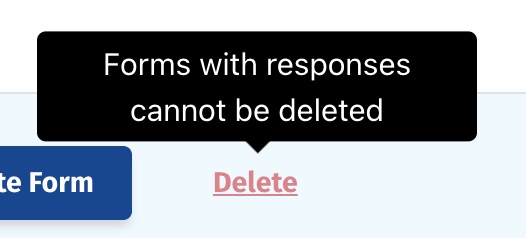
If you try to delete a form that has responses associated with it, you'll get a message that says "Forms with responses cannot be deleted",
There are a few ways you can proceed.
Delete the responses
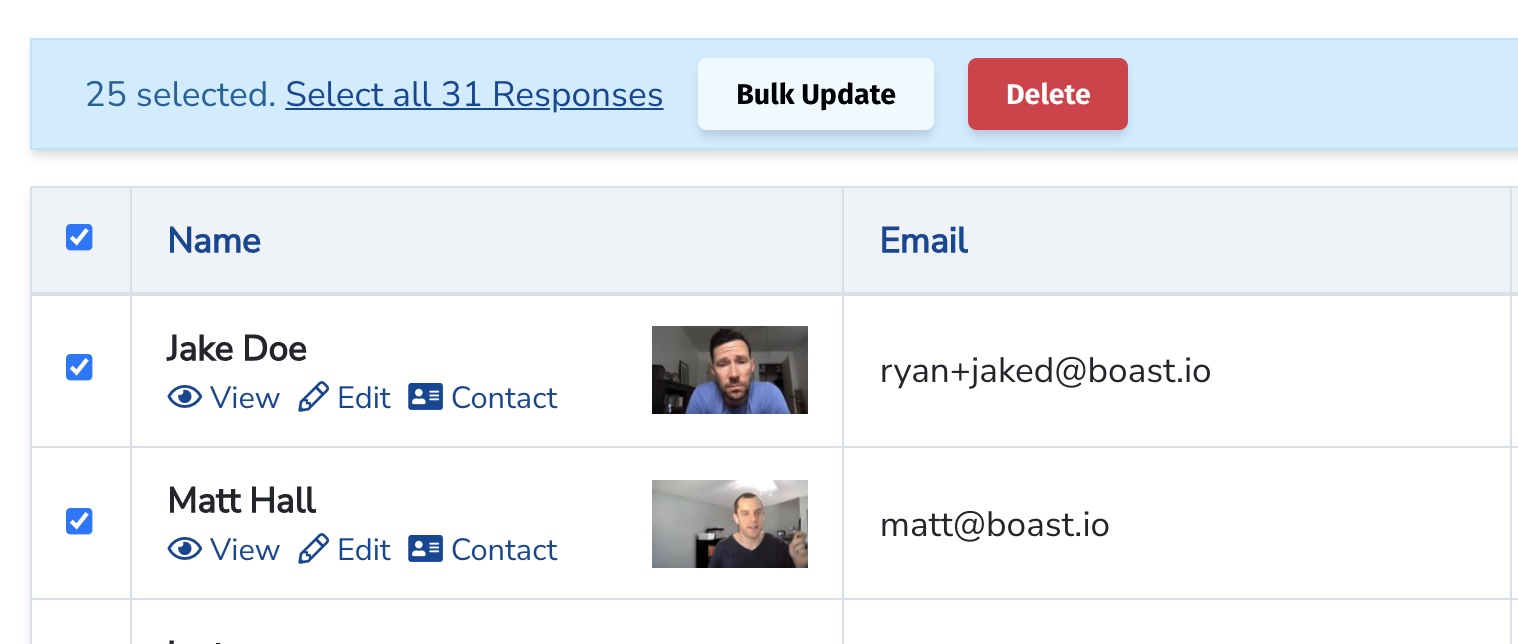
- In the Forms tab, click on the number in the Responses column to view all responses for that form (or, go to the Responses tab and filter by the desired form)
- Select all responses and click Delete
- You will now be able to delete the form
Move the responses to a different form
- Edit the responses that are currently associated with your form
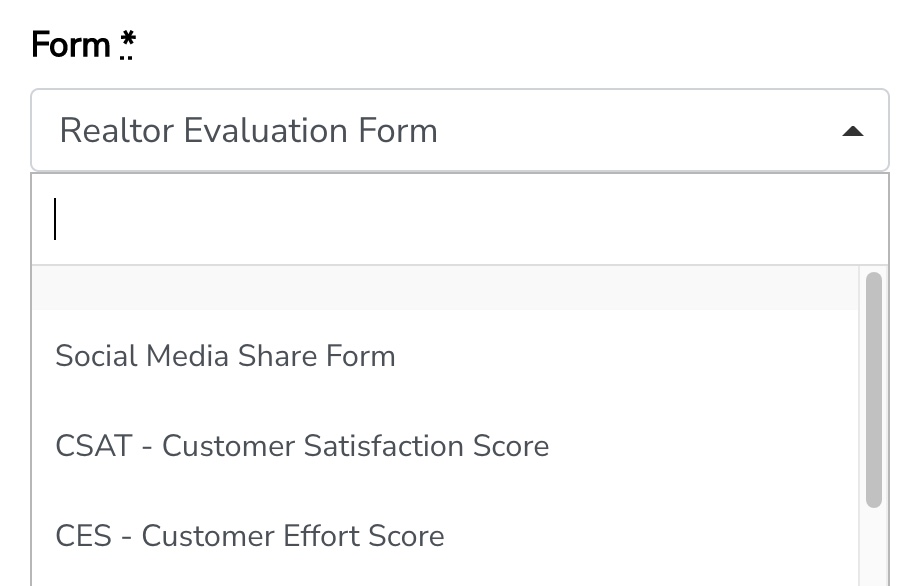
- In the righthand column, select a new form in the Form dropdown
- Repeat for each response, until there are no responses associated with the initial form you are looking to delete
Reuse the same form
If you no longer need the form, you can just swap around the fields and rename it, and it'll be like a band new form without needing to edit/delete any responses.
Still need help? Our support team answers by phone, email and chat, 9am–5pm EST.
Contact support