
How do I select a different camera/microphone to record with?
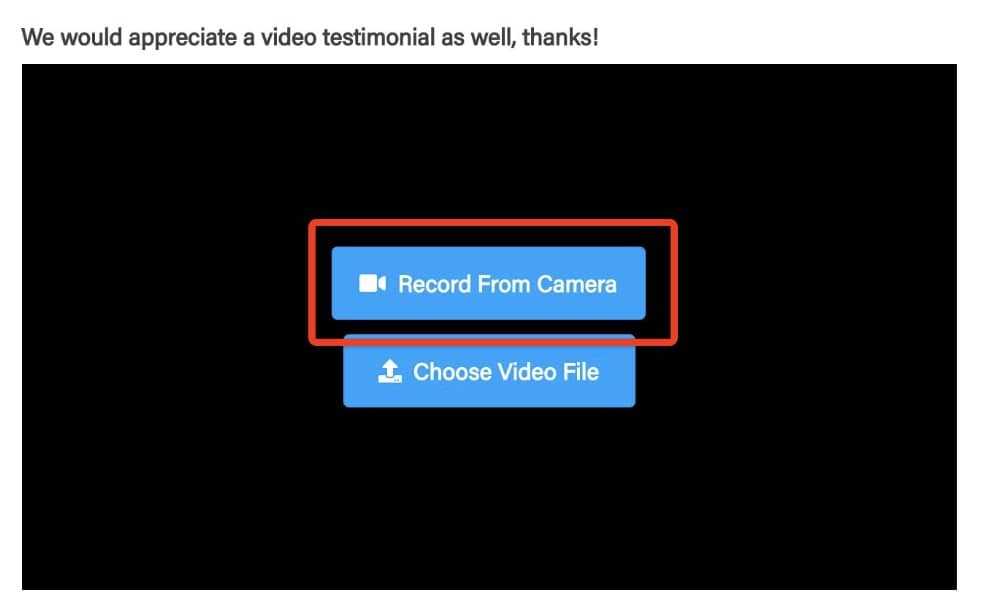
- Click Record From Camera
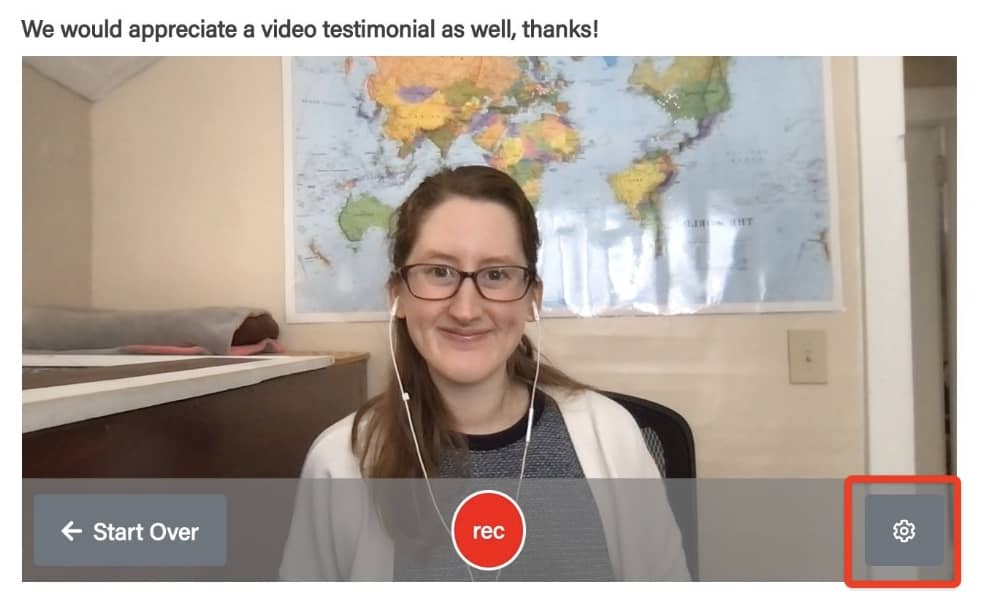
- Click the settings gear icon in the bottom right corner
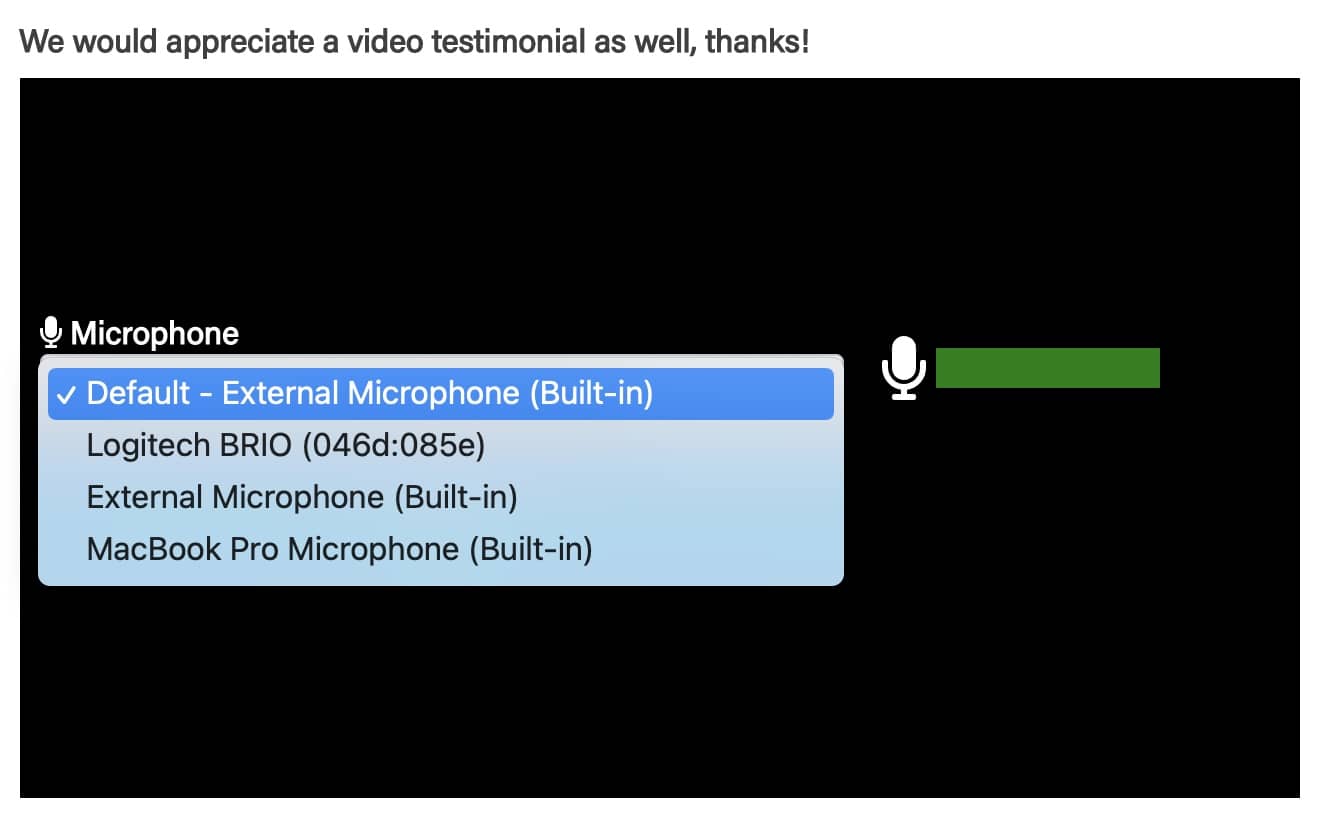
- Use the dropdowns to select your desired microphone/camera. Click Continue
- Proceed to record your video
Still need help? Our support team answers by phone, email and chat, 9am–5pm EST.
Contact support