
How to Add Review Links
- Navigate to Settings > Review Links
- Click Add Review Link
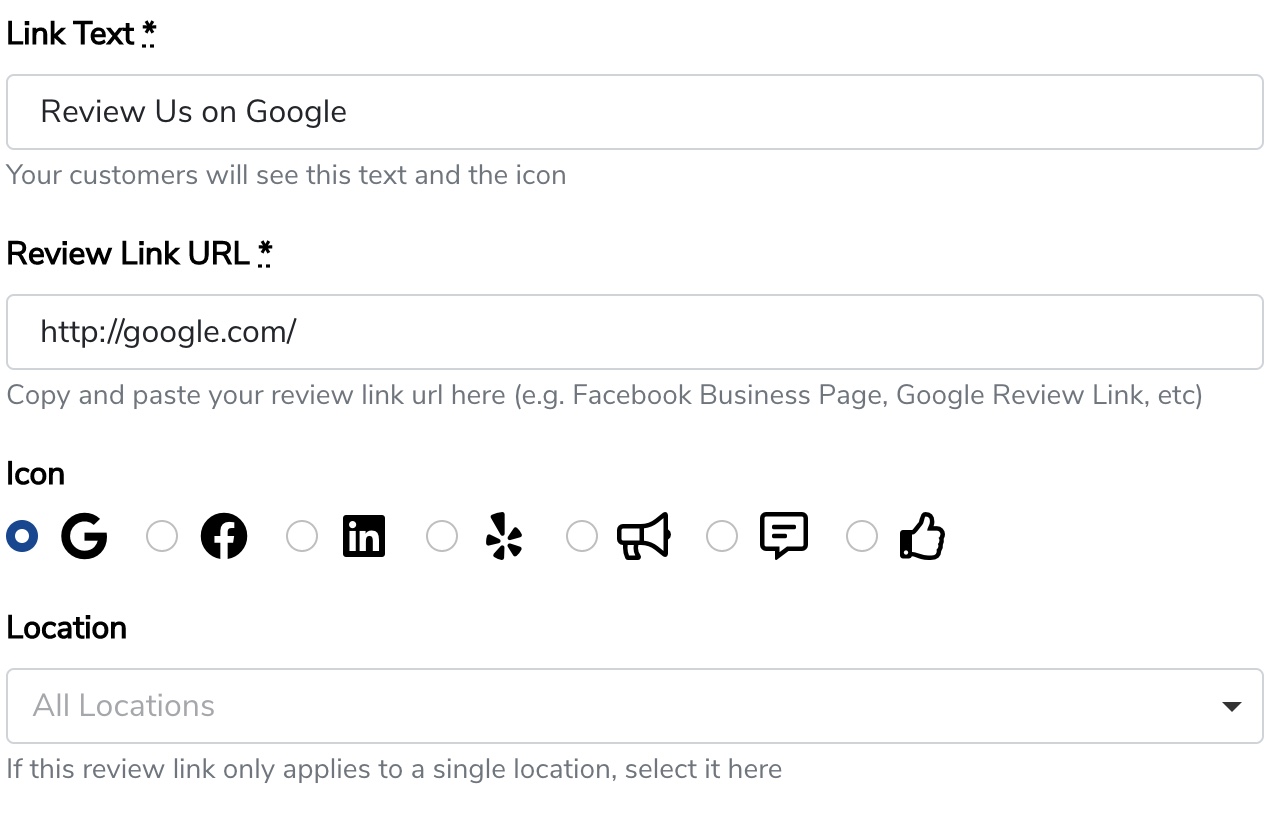
- Enter in the link text, link URL, and select an icon. Select either All Locations, or a particular location.
- Click Create Review Link at the bottom to save.

Add more review links if needed. Now you can use your review link on your form thank you page, in form auto-responder emails, and in sequence messages.
Still need help? Our support team answers by phone, email and chat, 9am–5pm EST.
Contact support