
How to configure your account to send SMS
- Navigate to Settings > SMS.
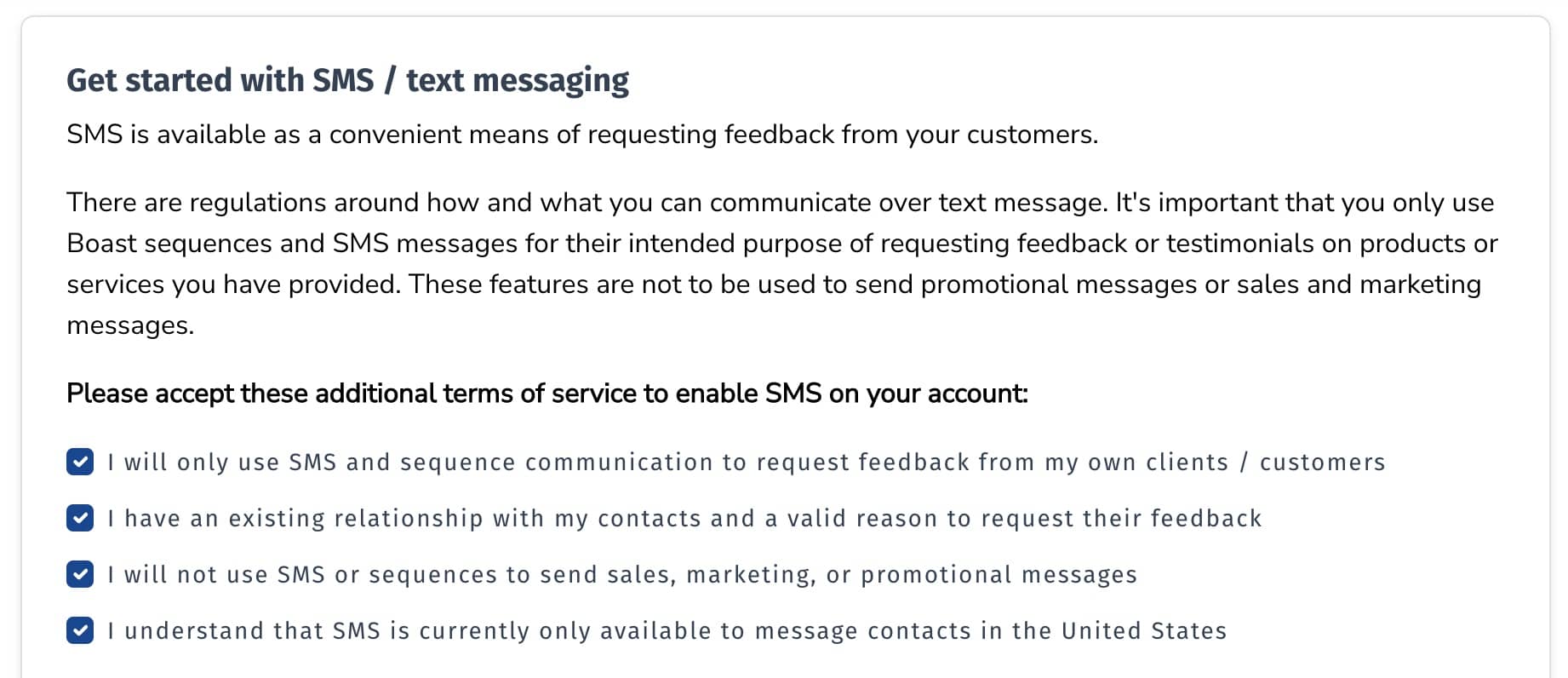
- Read and agree to the SMS terms of service.
- Click "Enable SMS on My Account".
- You're ready to start sending SMS sequences!

Still need help? Our support team answers by phone, email and chat, 9am–5pm EST.
Contact support