
How to Integrate Boast with ClickFunnels 🎥
First, find your Boast embed code:
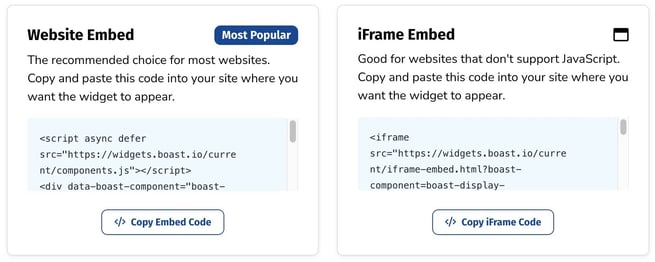
- Select Widgets or Forms from your Boast dashboard, depending on which you are looking to embed.
- Click the Share link on an existing widget or form, or create a new one.
- Copy the Website Embed (recommended) or iFrame Embed code.

If you are having trouble with your embed code, please try these alternates, replacing FORM_ID_HERE or WIDGET_ID_HERE with your specific ID.
Alternate form embed code:
<script src="https://widgets.boast.io/current/components.js"></script><boast-form form-id="FORM_ID_HERE"></boast-form><a style="display:block;margin:4em 0;font-size:11px;color:#BABABA;" href="https://boast.io">Collect and share stories with Boast</a>
Alternate widget embed code:
<script async defer src="https://widgets.boast.io/current/components.js"></script><boast-display-widget widget-id="WIDGET_ID_HERE"></boast-display-widget><a style="display:block;margin:4em 0;font-size:11px;color:#BABABA;" href="https://boast.io">Collect and share stories with Boast</a>
How to Find Your ID
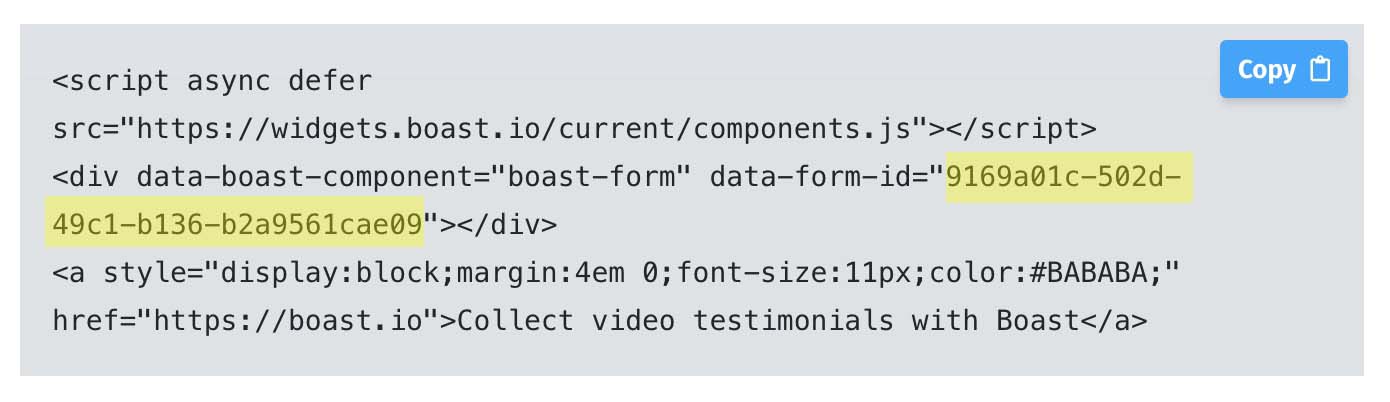
- Go to your form or widget's normal embed code.
- Find either the data-widget-id or data-form-id
Collecting Testimonials with ClickFunnels
How to Add Embed Codes to ClickFunnels
- Edit a page.
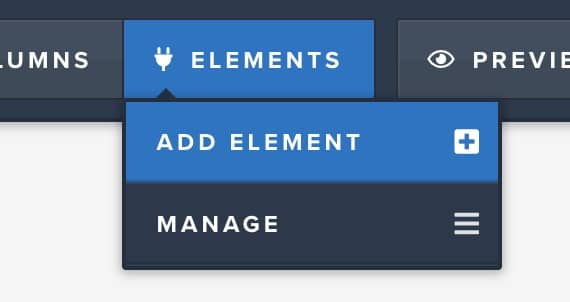
- Click Elements > Add Element
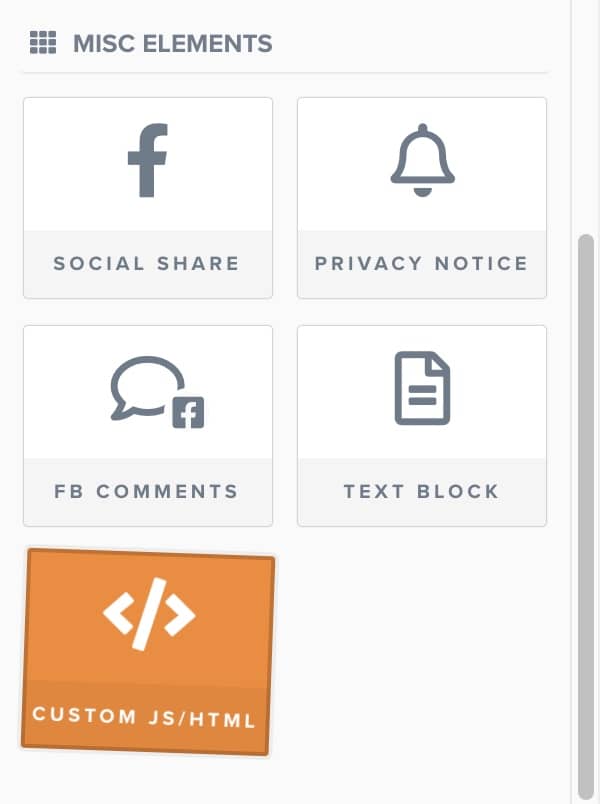
- Under Misc Elements, choose Custom JS/HTML.
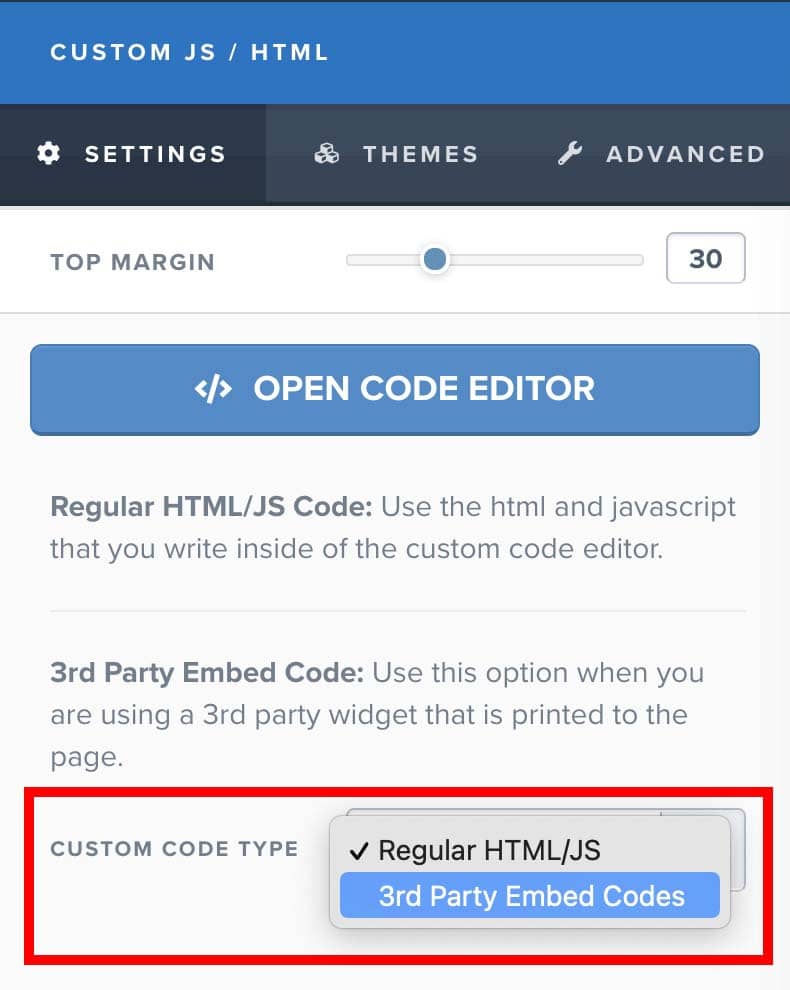
- Edit the new element and change the custom code type to "3rd Party Embed Code".
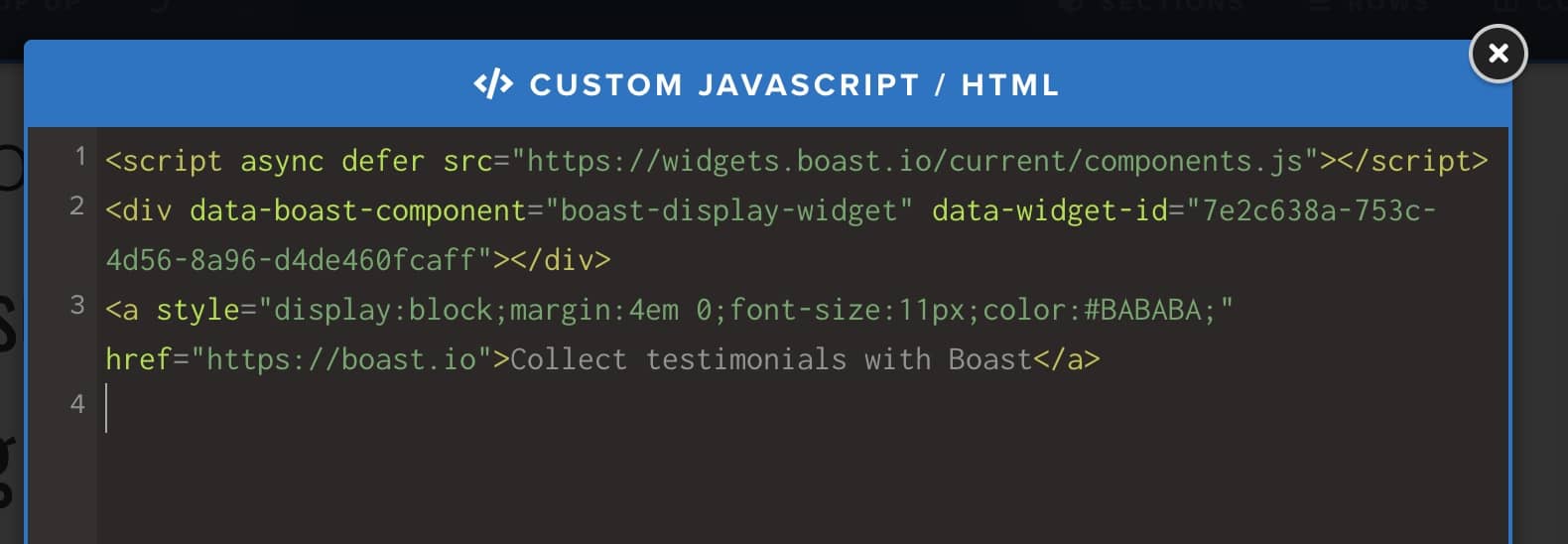
- Click Open Code Editor and paste your embed code.
- Save your changes.
Still need help? Our support team answers by phone, email and chat, 9am–5pm EST.
Contact support