
How to Integrate Boast with the GoDaddy Site Builder
First, find your Boast embed code:
Select Widgets or Forms from your Boast dashboard, depending on which you are looking to embed.
Click the Share link on an existing widget or form, or create a new one.
Copy the Website Embed (recommended) or iFrame Embed code.


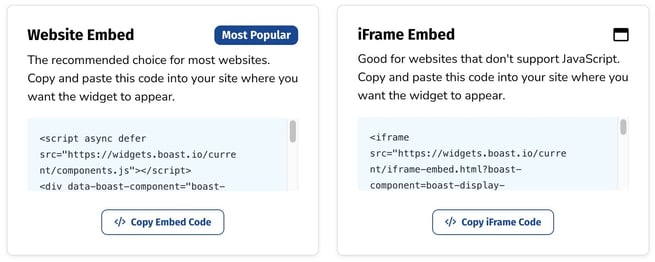
Now, time to add the code to your website.
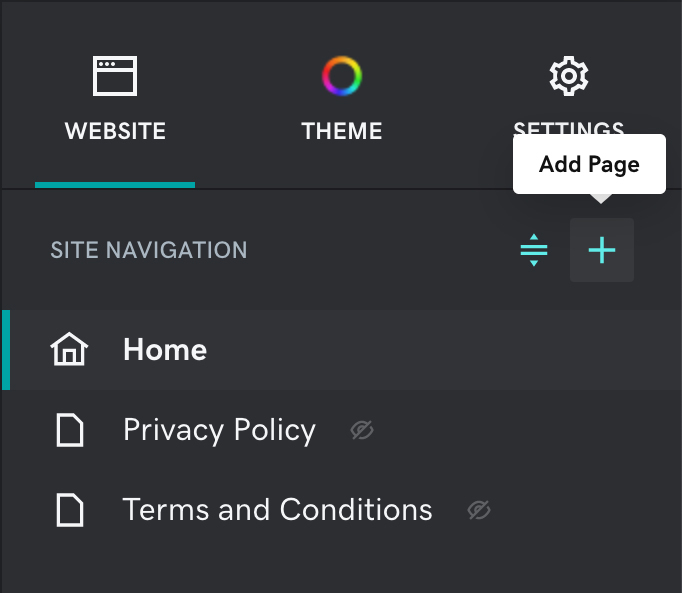
Open the GoDaddy website builder and click the Add Page icon on the right to create a new page, or select an existing page to edit.
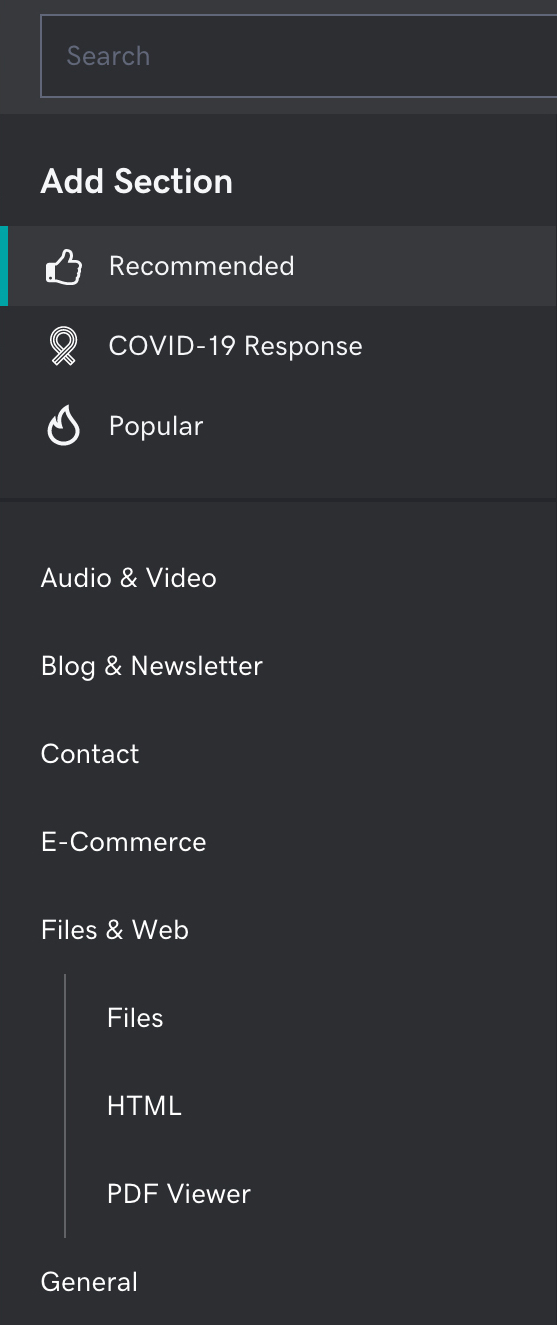
Click the Add Section button on the left.
Select Files & Web > HTML then click Add.
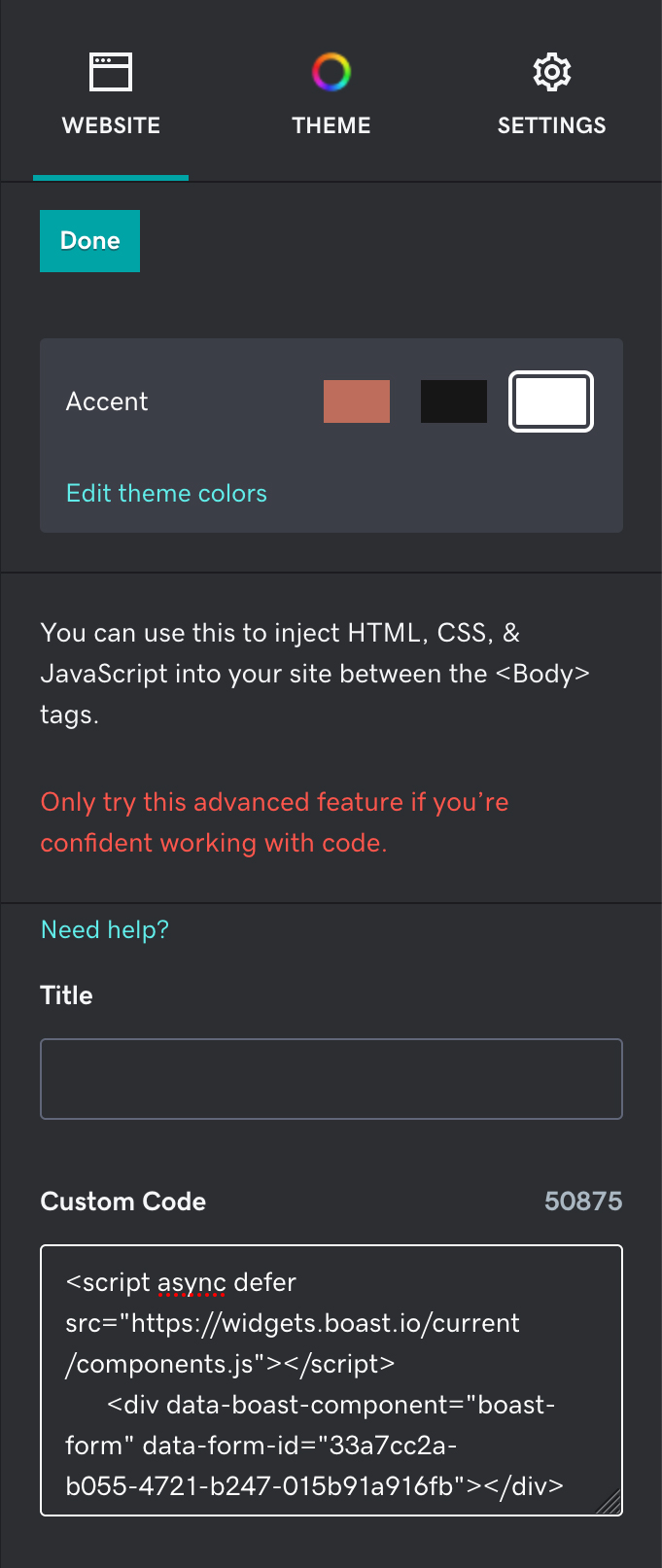
Paste your form or widget embed code in the Custom Code field on the right and click Done.
Save or publish your changes.

Still need help? Our support team answers by phone, email and chat, 9am–5pm EST.
Contact support