
How to Integrate Boast with Kajabi
First, find your Boast embed code:
- Select Widgets or Forms from your Boast dashboard, depending on which you are looking to embed.
- Click the Share link on an existing widget or form, or create a new one.
- Copy the Website Embed (recommended) or iFrame Embed code.


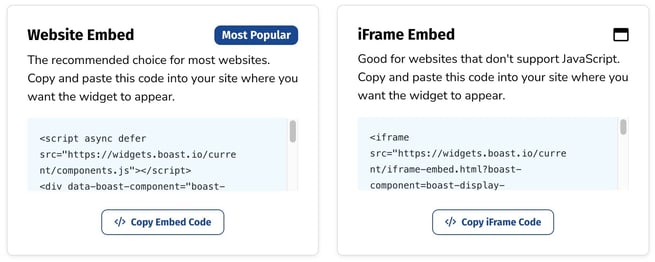
Now, time to add the code to your website.
How to Add Embed Codes to Kajabi
Step 1. Add custom code block
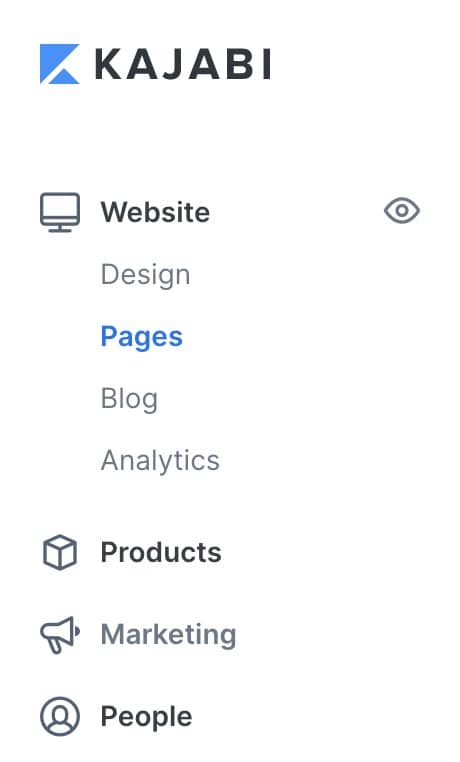
- From the Dashboard, go to Website > Pages.
- Add or edit a page.
- Navigate to the sidebar panel.
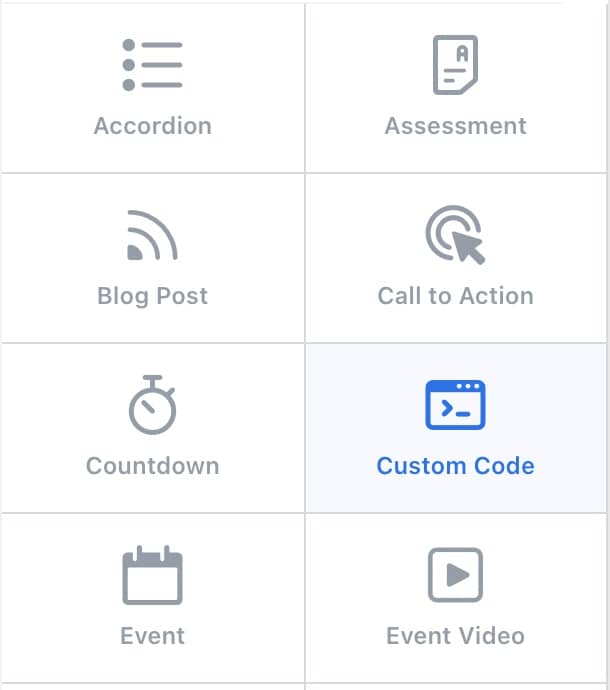
- Click Add Content.
- From the list, select Custom Code.
- Your newly created Custom Code Block will generate at the bottom of the Section.
- Click Save to keep your changes
Step 2. Enter your custom code
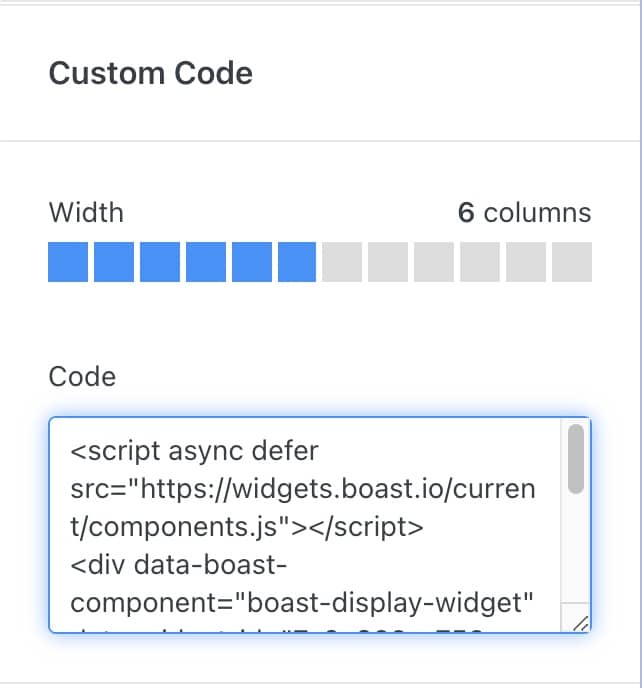
- In your page, hover over the existing Custom Code Block you want to edit and click Edit.
- In the Code field, paste your embed code.
- Click Save to keep your changes.
More information can be found here: https://help.kajabi.com/hc/en-us/articles/360040196893-How-to-Add-Custom-Code-to-Your-Page
Still need help? Our support team answers by phone, email and chat, 9am–5pm EST.
Contact support