
How to Integrate Boast with Weebly
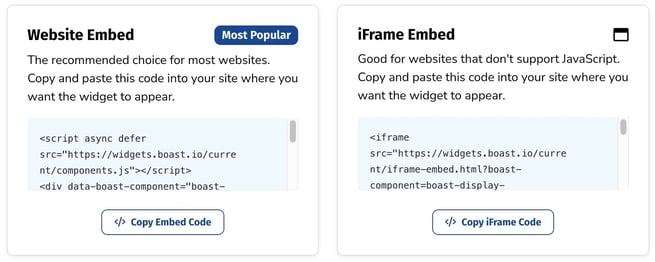
First, find your Boast embed code:
- Select Widgets or Forms from your Boast dashboard, depending on which you are looking to embed.
- Click the Share link on an existing widget or form, or create a new one.
- Copy the Website Embed (recommended) or iFrame Embed code.


Now, time to add the code to your website.
- Edit the page where you'd like to add the embed code. Make sure you're in the Build tab.
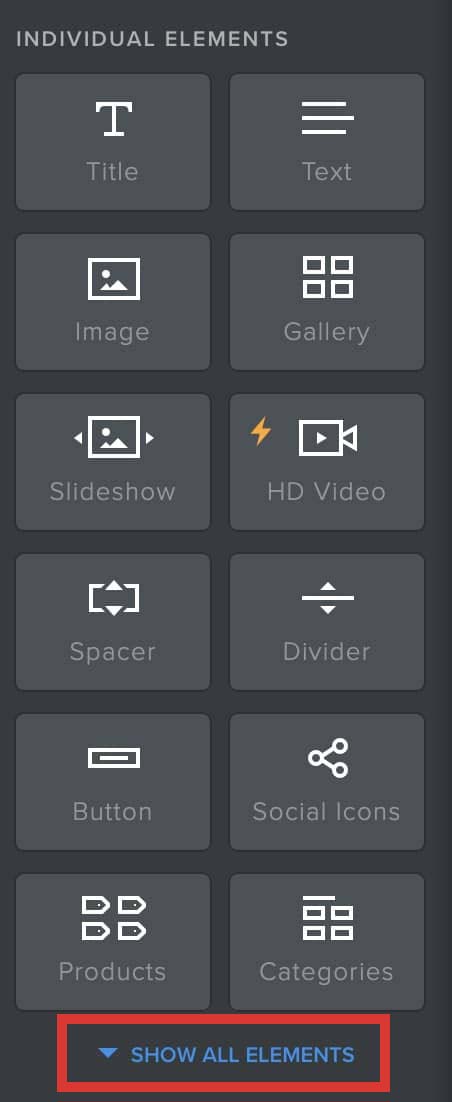
- Click Show All Elements.
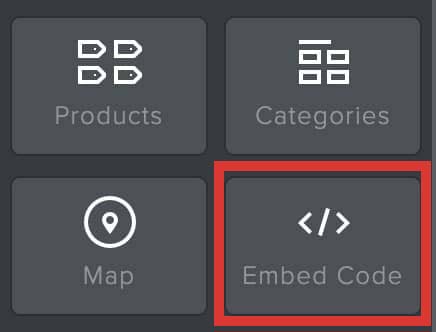
- Click and drag Embed Code onto your page.
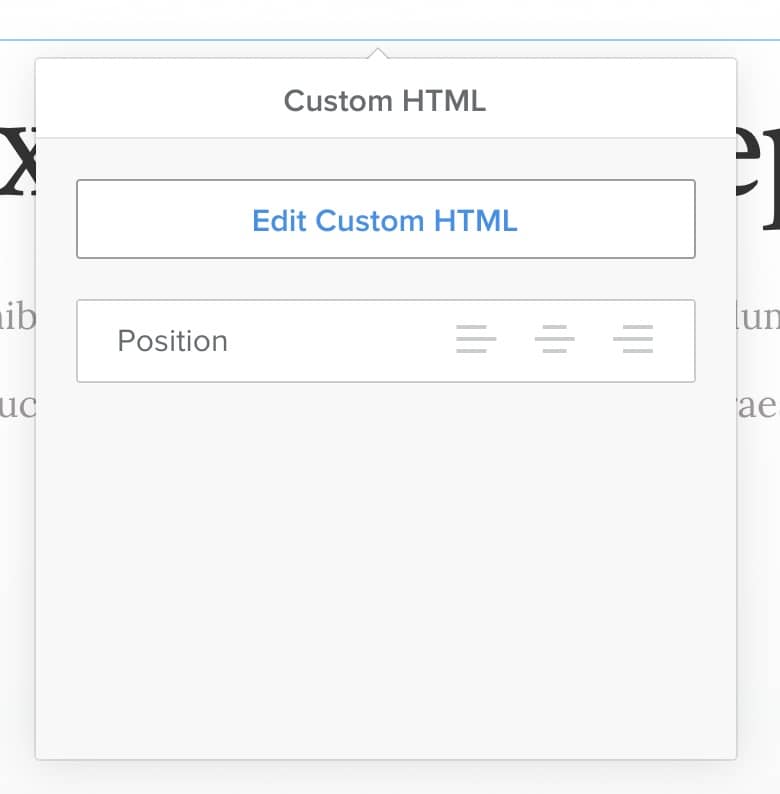
- Click on the Embed Code element to edit it.
- Click Edit Custom HTML.
- Paste in your Boast code.
- Save your changes.

Still need help? Our support team answers by phone, email and chat, 9am–5pm EST.
Contact support