
How to Manage Form Email Notifications in Boast
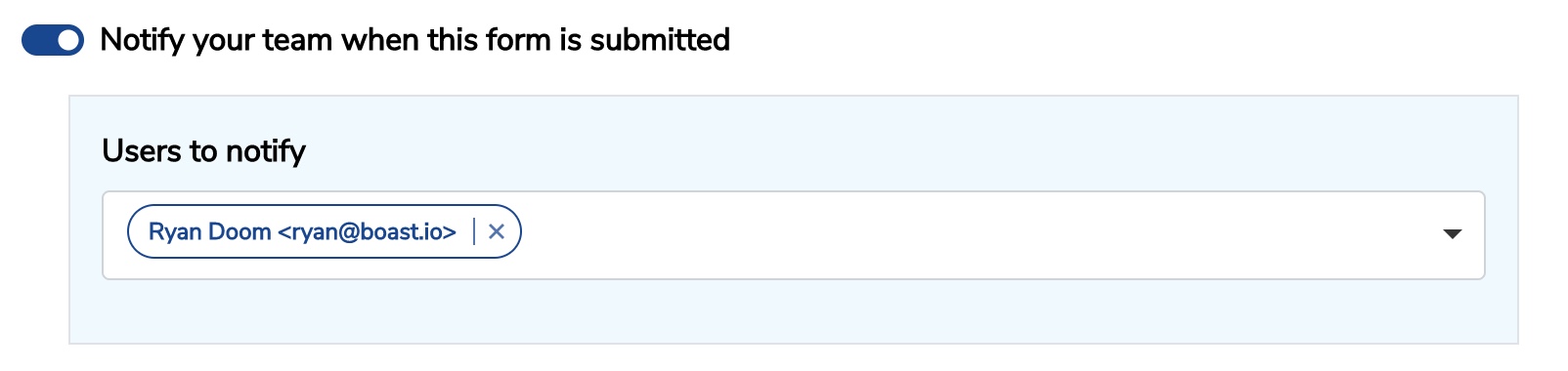
Edit a form and go to Settings > Notifications. Here you can choose who on your team will get notified of new submissions.
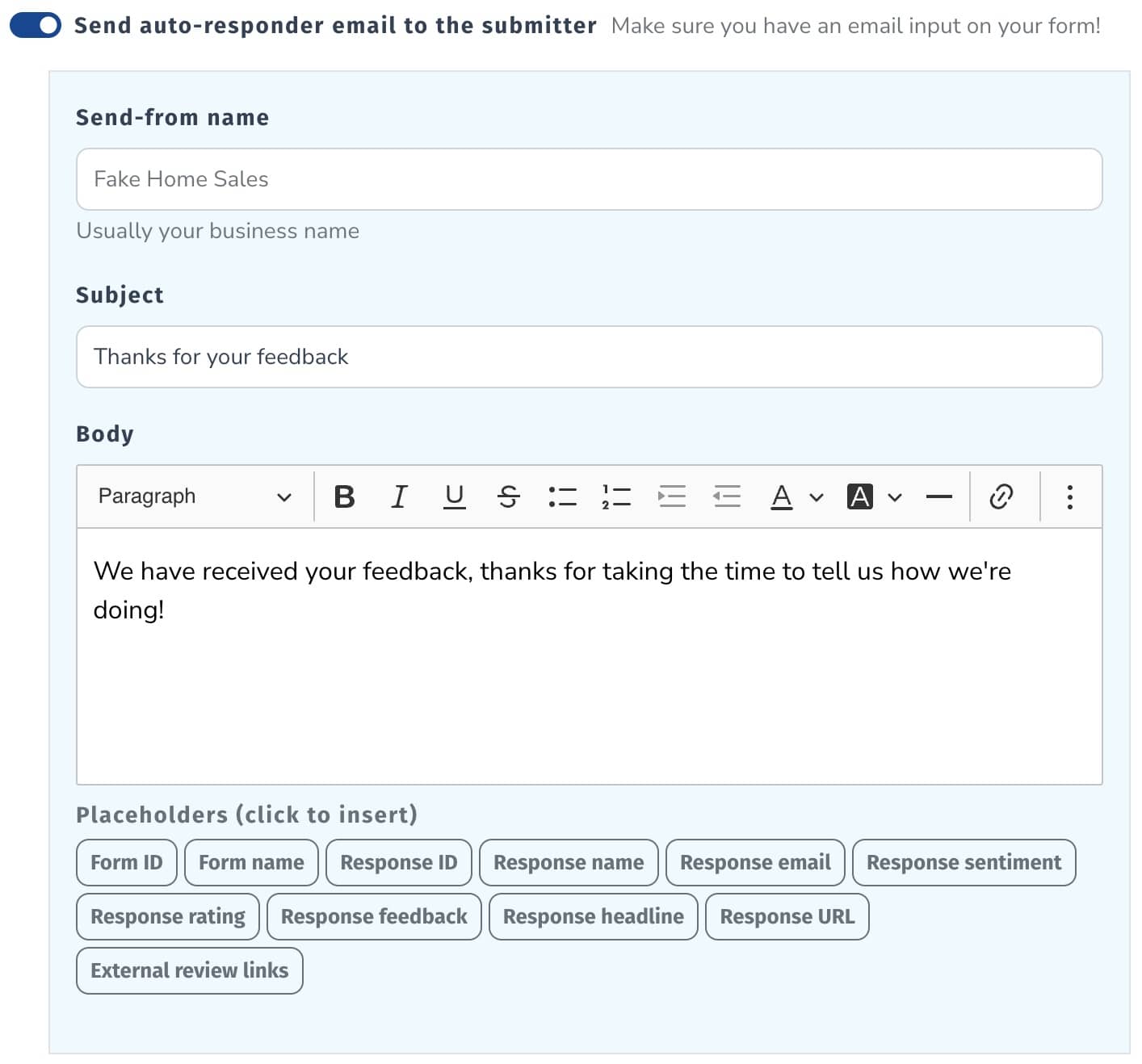
You can also create a confirmation email for your customer which they will receive after submitting the form, as long as they have entered in their email address.
Still need help? Our support team answers by phone, email and chat, 9am–5pm EST.
Contact support