
What are staff? How can I add a new staff member?
You can collect reviews for a specific location and a specific employee (staff).
To manage your staff, navigate to Settings > Staff.
To add a new staff member, click Add New Staff.

Enter in their name, any location they should be assigned to, and any tags you would like to assign them.
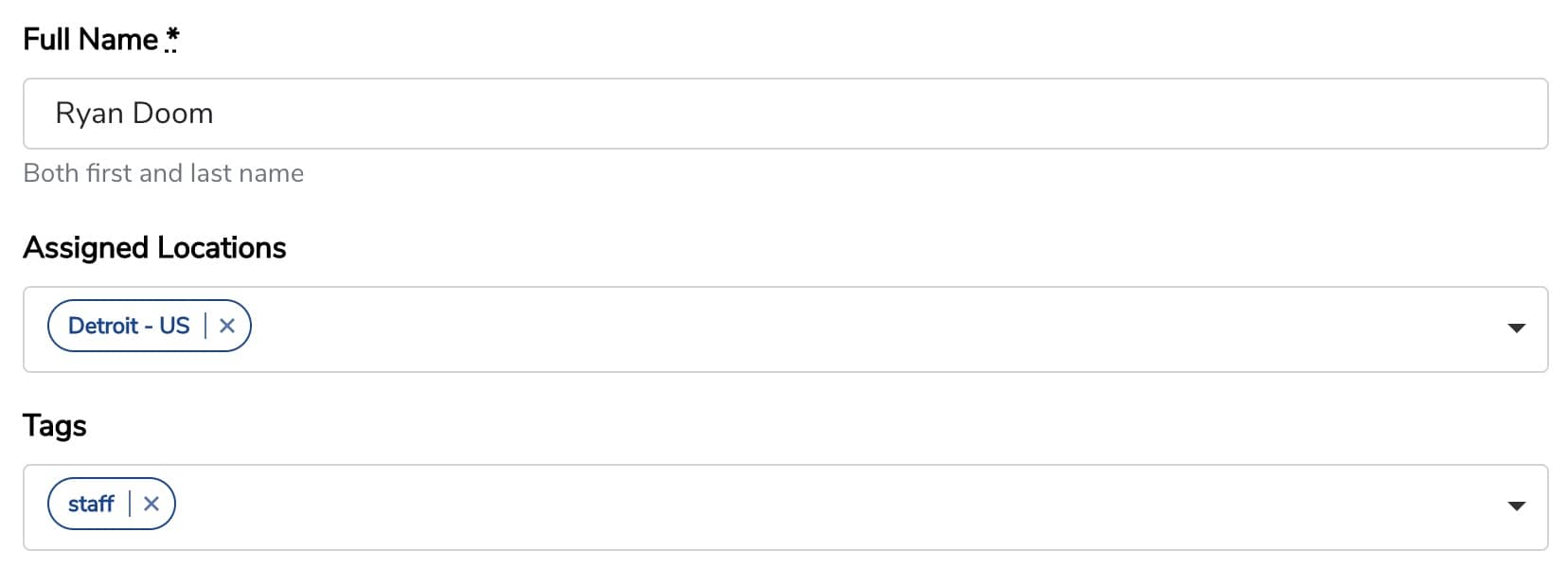
Adding a tag to staff members allows you to only show certain staff in the staff dropdown on a form using the "Filter Staff by Tag" field.
You also have the option to grant user access. This will create a Boast account for them, allowing them to log in and access the information within Boast.
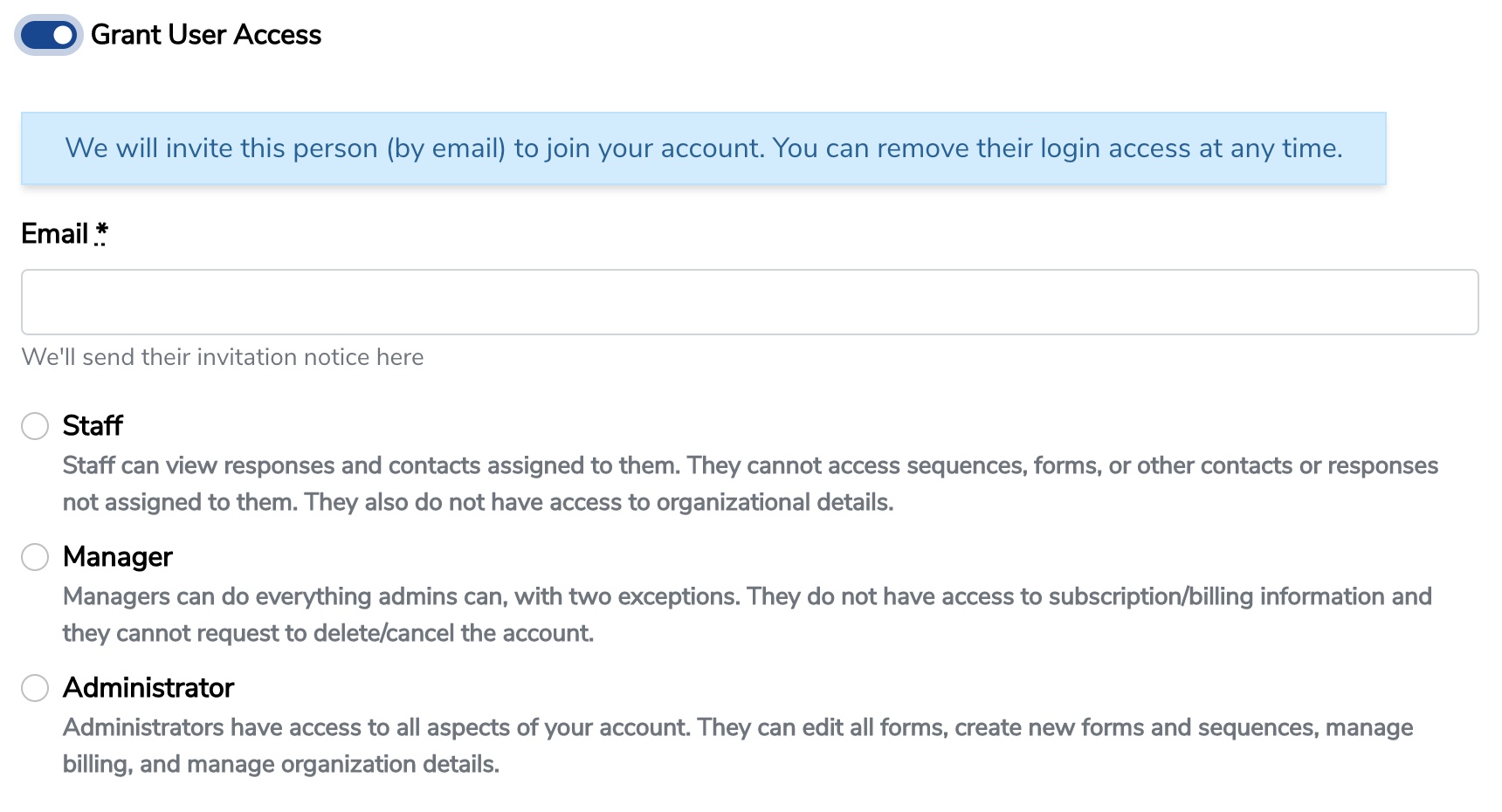
Available user roles:
- Administrator: Admins have access to all aspects of your account. They can edit all forms, create new forms and sequences, manage billing, and manage organization details.
- Manager: Managers can do everything admins can, with a couple exceptions. They do not have access to subscription/billing information and they cannot request to delete/cancel the account. They also cannot delete Admin users or grant the Admin user role.
- Staff: Staff can view responses and contacts assigned to them. They cannot access sequences, forms, or other contacts or responses not assigned to them. They also do not have access to organizational details.
The number of staff you can add depends on your subscription plan:
- Basic - 5
- Team - 20
- Premium - 100
Still need help? Our support team answers by phone, email and chat, 9am–5pm EST.
Contact support