
What's the maximum length of a recording? How do I change that setting?
Maximum video length allowed by each plan:
- Basic: 5 minutes
- Team: 10 minutes
- Premium: 15 minutes
How to change the maximum length of video that can be recorded on your form
Go to the Forms tab and find the form you wish to edit
Click "Build"
Find the Video field and click it to edit it
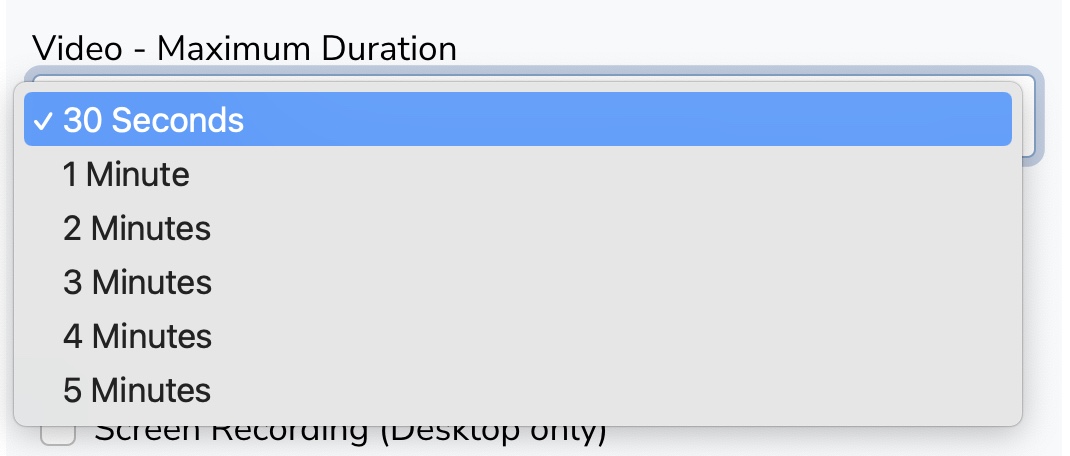
Use the "Video - Maximum Duration" dropdown to select your desired maximum duration
Click Save Form
Still need help? Our support team answers by phone, email and chat, 9am–5pm EST.
Contact support